March 4, 2022 . 1 MIN READ
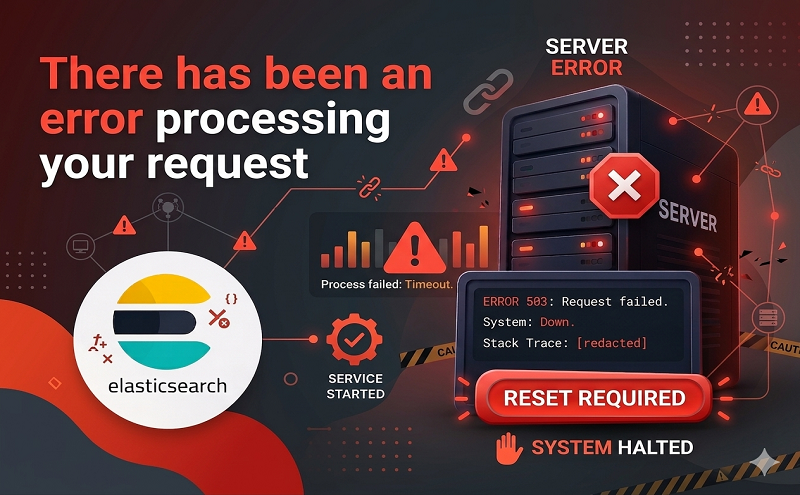
Enabling exception printing errors can help to quickly troubleshoot your errors and find the problem without having to go into /var/reports each time an error occurs. To enable exception printing error, first you’ll need to switch your Magento mode to developer mode by running:
php bin/magento deploy:mode:set developer
Next, go to /pub/errors and rename this file: local.xml.sample to local.xml. Now refresh your frontend and you should see your error printed like so:
Reference: https://www.simicart.com/blog/error-processing-request/