September 27, 2021 . 1 MIN READ
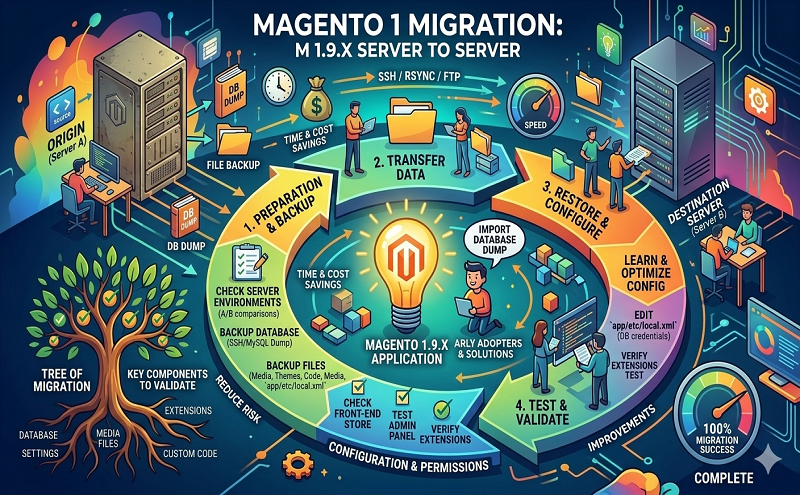
1. Yes, Compress all files in the root of your Magento. You can use the transfer script. Make a php file in new server with name transfer.php and place the code like below.
<?php exec(“wget http://domain.com/files.zip”); ?>
This will transfer your files from one server to another.
2. Same for database, if you can export it using command.
<?php exec(“wget http://domain/database.sql”); ?>
3. If you don’t have access to commands, open phpmyadmin, select the database > Export > custom > Disable all foreign key checks > Go
4. Upload that too new server by making new database and import.
5.Configure the new database details in app/code/local.xml
6. Change the urls in database in new database by going at core_config_data table
7. Clear the cache from var folder
That’s it.
Resource: https://community.magento.com/t5/Installing-Magento-1-x/Migration-Magento-1-9-x-from-a-server-to-another/td-p/75489
Read more: https://magento.stackexchange.com/questions/37896/moving-magento-1-9-from-one-server-to-another/37909