March 1, 2023 . 4 MIN READ
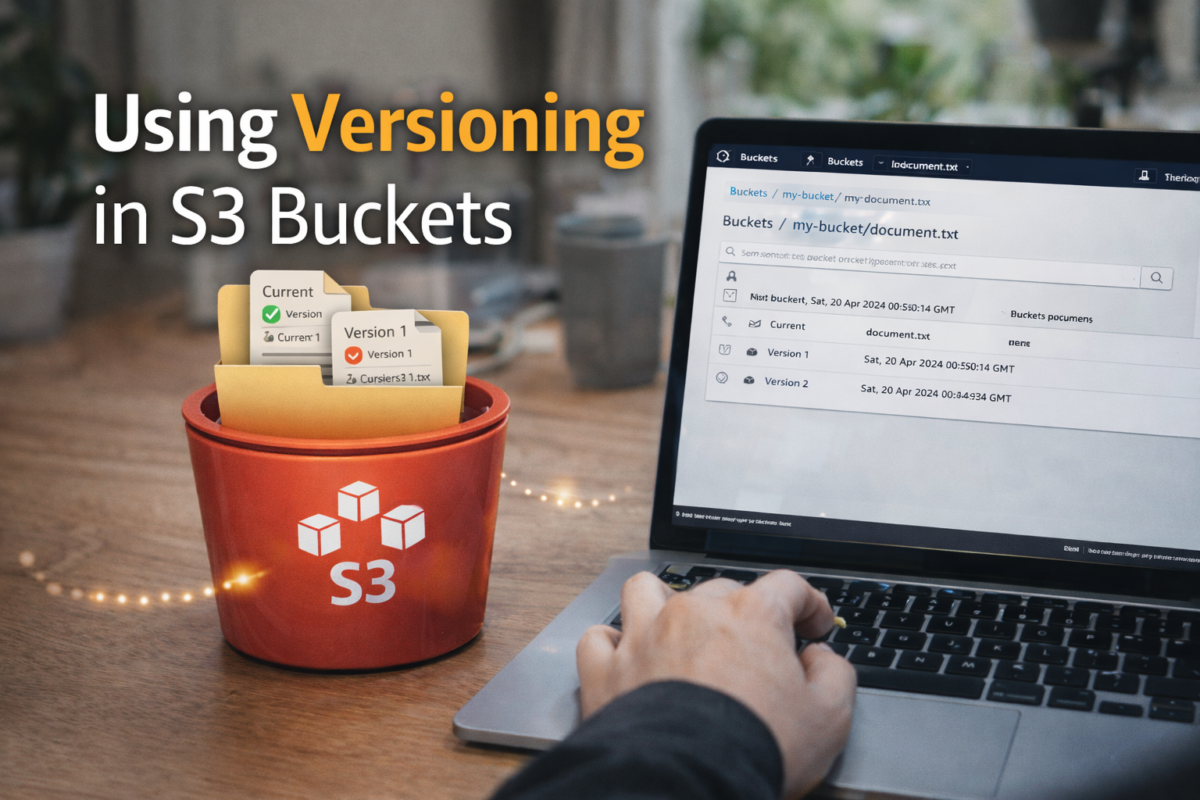
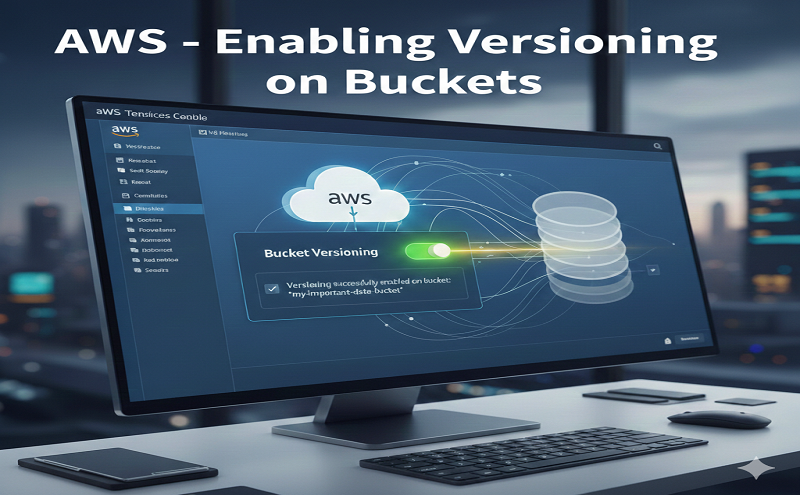
You can use S3 Versioning to keep multiple versions of an object in one bucket. This section provides examples of how to enable versioning on a bucket using the console, REST API, AWS SDKs, and AWS Command Line Interface (AWS CLI).
After enabling versioning on a bucket for the first time, it may take up to 15 minutes for the change to fully propagate across the S3 system. During this time, GET requests for objects created or updated after enabling versioning may result in HTTP 404 NoSuchKey errors. We recommend waiting 15 minutes after enabling versioning before performing any write operations (PUT or DELETE) on objects in the bucket. This waiting period helps avoid potential issues with object visibility and version tracking.
For more information about S3 Versioning, see Retaining multiple versions of objects with S3 Versioning. For information about working with objects that are in versioning-enabled buckets, see Working with objects in a versioning-enabled bucket.
To learn more about how to use S3 Versioning to protect data, see Tutorial: Protecting data on Amazon S3 against accidental deletion or application bugs using S3 Versioning, S3 Object Lock, and S3 Replication.
Each S3 bucket that you create has a versioning subresource associated with it. (For more information, see General purpose buckets configuration options.) By default, your bucket is unversioned, and the versioning subresource stores the empty versioning configuration, as follows.
<VersioningConfiguration xmlns=”http://s3.amazonaws.com/doc/2006-03-01/”>
</VersioningConfiguration>
To enable versioning, you can send a request to Amazon S3 with a versioning configuration that includes a status.
Suspended.
The bucket owner and all authorized users can enable versioning. The bucket owner is the AWS account that created the bucket (the root account). For more information about permissions, see Identity and Access Management for Amazon S3.
The following sections provide more detail about enabling S3 Versioning using the console, AWS CLI, and the AWS SDKs.
Reference:
https://docs.aws.amazon.com/AmazonS3/latest/userguide/manage-versioning-examples.html