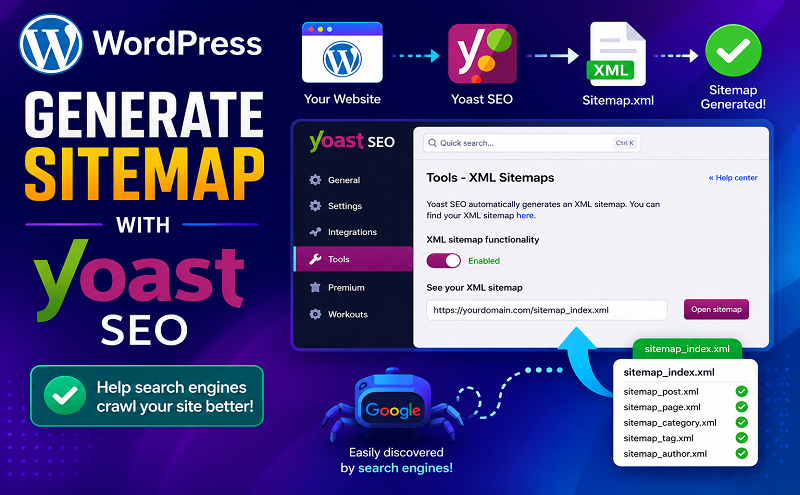
July 8, 2021 . 3 MIN READ
Having an XML sitemap can be beneficial for SEO. It allows Google to understand your site structure, and retrieve essential pages of a website very fast, even if the internal linking of a site isn’t flawless.
You can significantly improve your site structure with the internal linking tool and the content filter features in Yoast SEO Premium!
The sitemap index and individual sitemaps are updated automatically as you add or remove content. What is more, they include the post types you want search engines to index. For example, Post Types marked as ‘noindex’ will not appear in the sitemap. To learn more about how to noindex see: How do I noindex URLs?
Read more: What is an XML sitemap and why should you have one?
Follow these steps to enable the XML sitemaps feature:
When you’re logged in, you will be in your ‘Dashboard’.
On the left-hand side, you will see a menu. In that menu, click on ‘SEO’
The ‘SEO’ settings will expand providing you additional options. Click on ‘General’.

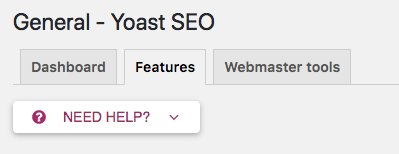
To enable the feature, toggle the switch to ‘On’.
To disable the feature, toggle the switch to ‘Off’.

You can limit the number of sitemap entries by using the filter wpseo_sitemap_entries_per_page. Here follows example code to limit the max entries to 100. If you are not sure where it would go or how to add this code, we suggest working with a Yoast Partner here who can help.
/* Limit the number of sitemap entries for Yoast SEO */
function max_entries_per_sitemap(){
    return 100;
}

add_filter( 'wpseo_sitemap_entries_per_page', 'max_entries_per_sitemap' );Want to add an external sitemap? Use this guide.
We’ve decided to remove the priority variables from our XML sitemaps in the 3.5 version of Yoast SEO, as Google has said publicly that they don’t use them on most sites.
Maybe you need a different guide after enabling the sitemap. Is your sitemap not updating? Do you wonder why it shows grey links? Is your sitemap a blank page? Or are you looking for common XML sitemap errors? You can also use our search bar at the top to search for your specific issue.
x-robots-tag HTTP header (with a value of noindex, follow) to all XML sitemap responses.