
July 15, 2021 . 1 MIN READ
https://support.google.com/drive/thread/5488211?hl=en
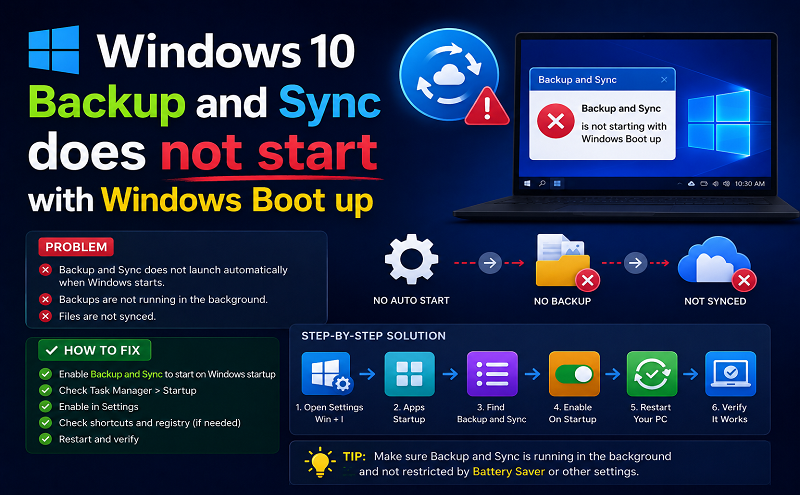
Backup and Sync will not start with Windows 10 Boot even though I have the option selected to do
Hello Rob,
I had the exact same issue. It turns out that the registery key used to start the backup and sync app is using a wrong path. It sounds like a bug from the GDrive backup and sync installer.
Using regedit.exe, have a look at the contain of this key:
HKEY_CURRENT_USER\Software\Microsoft\Windows\CurrentVersion\Run\GoogleDriveSync
Mine was setup with this value:
“C:\Program Files\Google\Drive\googledrivesync.exe” /autostart
But the application is really installed in:
“C:\Program Files (x86)\Google\Drive\googledrivesync.exe
Modify the key value accordingly and Backup and Sync should start correctly at Windows startup.
I hope this help.
Jef T.










