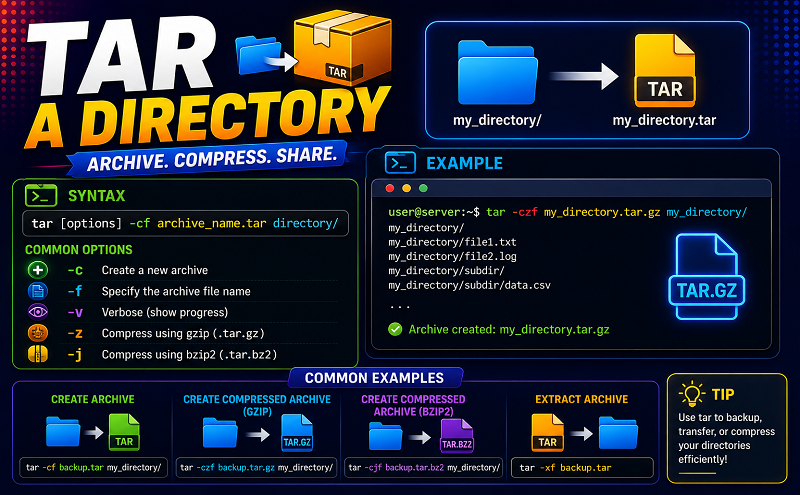
Tar a directory

July 9, 2021 . 1 MIN READ

You need to use tar command as follows (syntax of tar command):
tar -zcvf archive-name.tar.gz directory-name
Where,

  • -z: Compress archive using gzip program
  • -c: Create archive
  • -v: Verbose i.e display progress while creating archive
  • -f: Archive File name

You can extract either tar.gz or tar.bz2 with this command:

Code:
tar xvf filename


Leave a Reply

Your email address will not be published. Required fields are marked *