July 6, 2021 . 2 MIN READ
Certificate revocation checks can help prevent you from accidentally visiting a site that’s using a compromised security certificate. Historically, the web browser typically would check a Certificate Revocation List directly. But the newer process, known as OCSP stapling, relies on the web server to make the check and pass along the Certificate Authority’s cached response to the browser. Because this is a newer process and not yet an Internet standard, some servers may require a minor configuration change in order to comply with the browser’s request. If you see this error when connecting to a site on your cPanel server, you can easily enable OCSP stapling on your server directly from WHM.
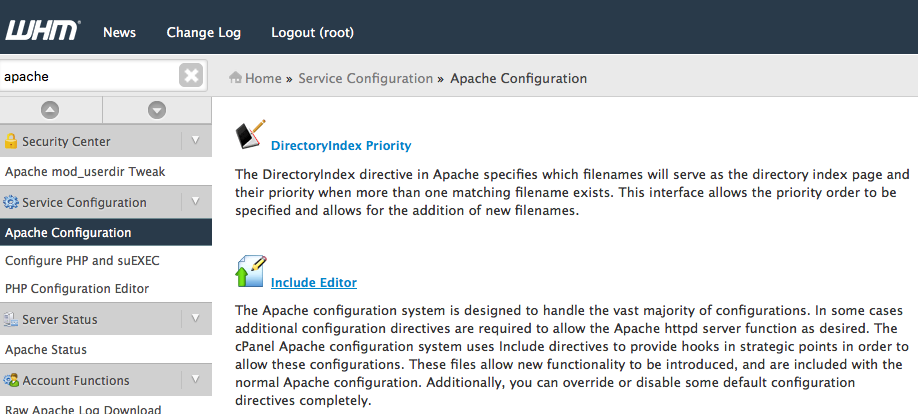
A. In WHM, locate and select Apache Configuration in the left menu (you can start typing “apache” to quickly narrow down the choices) to open the Apache Configuration
B. Scroll down to Include Editor and click on it.
C. On the Include Editor page, scroll down to the Pre VirtualHost Include section and select All Versions underneath “I wish to edit the Pre VirtualHost configuration include file for:”
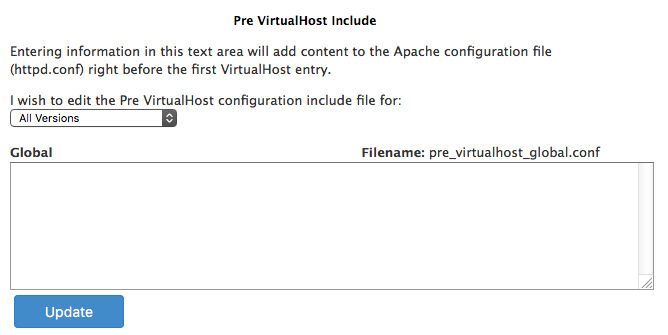
D. Scroll past any directives that may be listed in the include, and add the following two lines at the very bottom:
SSLUseStapling on
SSLStaplingCache shmcb:/tmp/stapling_cache(128000)
Note: Do not edit or alter any other directives that may be listed; make sure you’re simply adding the two lines above to the very bottom of the file.
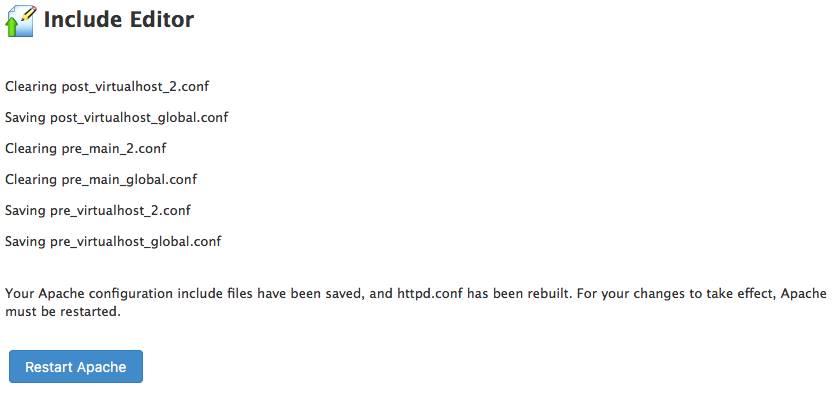
E. Click on the blue Update at the bottom to save the include file.