February 24, 2022 . 1 MIN READ
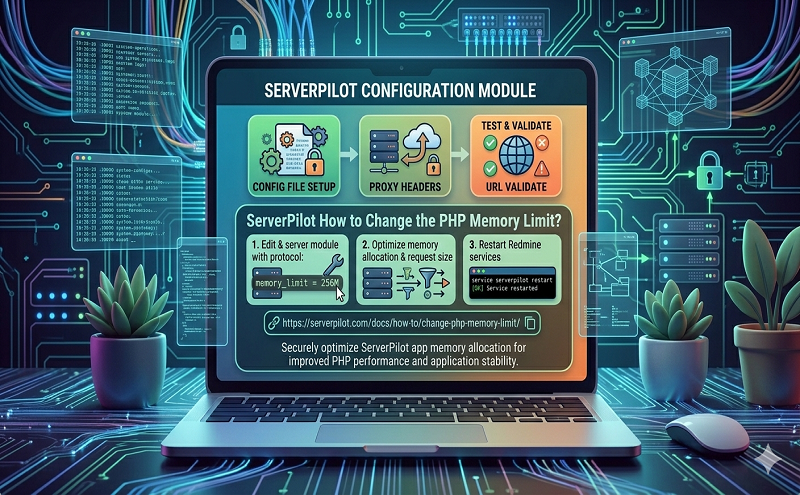
You can change the amount of memory PHP allots to each request by using a.user.ini file.
Using .user.ini does not change the WordPress memory limit. Check out our tutorial on using wp-config.php to increase your WordPress memory limit.
First, create a file named .user.ini in your app’s web root directory.
apps/APPNAME/public/.user.ini
Then, enter the following line with the new value for your app’s memory limit (512 megabytes, for example):
memory_limit = 512M
You can also disable the PHP memory limit for your app by entering the following line:
memory_limit = -1
To confirm the customizations to your app’s .user.ini file are correct, you can create a PHP script that contains only the following line:
<?php phpinfo(); ?>
and then request that file through your browser. You should see the “Local value” for your modified setting showing the value you’ve set in your .user.ini file.
Reference: https://serverpilot.io/community/articles/how-to-change-the-php-memory-limit.html