July 8, 2021 . 2 MIN READ
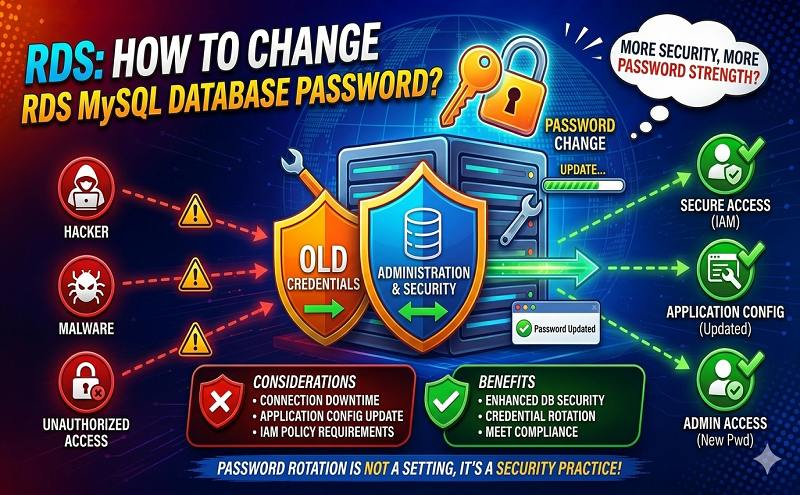
How do I reset the master user password for my Amazon Relational Database Service (Amazon RDS) DB instance?
You can change the master user password for your Amazon RDS DB instance by using the Amazon RDS console.
For clustered systems, such as Amazon Aurora, reset the password for any RDS DB instance in the cluster with a Writer or Reader role. Then, choose Apply Immediately. The password change is asynchronous, and applies as soon as possible, so the RDS DB instance does not require a restart.
Note: If you receive errors when running AWS Command Line Interface (AWS CLI) commands, make sure that you’re using the most recent AWS CLI version.
To modify the master user password, follow these steps:
The Status field for your RDS DB instance on the RDS dashboard changes to resetting-master-credentials. When the modification is complete, the Status column changes to Available. You can also modify an RDS DB instance using the Amazon RDS API or the AWS Command Line Interface (AWS CLI).
https://aws.amazon.com/premiumsupport/knowledge-center/reset-master-user-password-rds/