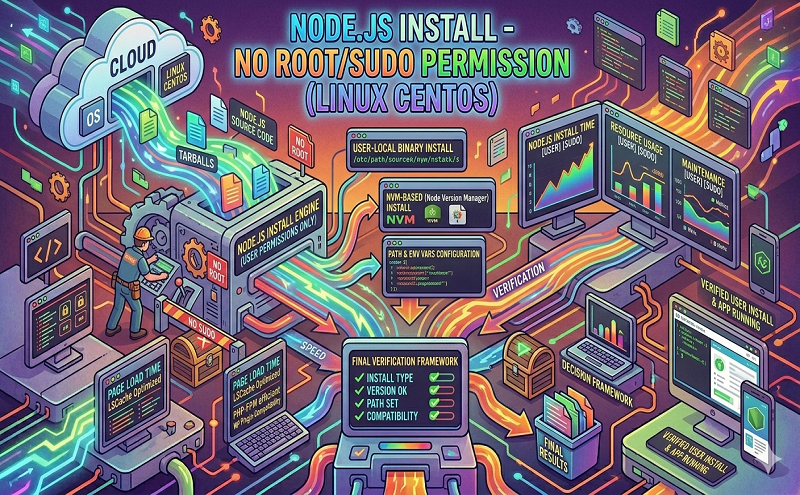
Nodejs install no root sudo permission linux cento

July 14, 2021 . 1 MIN READ

https://www.digizol.com/2017/08/nodejs-install-no-root-sudo-permission-linux-centos.html


  1. First install nodejs and npm using apt-get

sudo apt-get update && sudo apt-get install nodejs npm

  1. Figure out who is logged in i.e username, run following command to see it in terminal

whoami

  1. You can see the list of groups you are assigned by using a very simple command, normally the first group is your username itself

groups

  1. Run following to allow access to logged in user

sudo chmod 777 -R /usr/local && sudo chgrp $(whoami) -R /usr/local

  1. Update npm and nodejs

npm install -g npm

You are allset, your user can run npm commands without sudo

You can also refer to npm throws error without sudo.

 

Leave a Reply

Your email address will not be published. Required fields are marked *