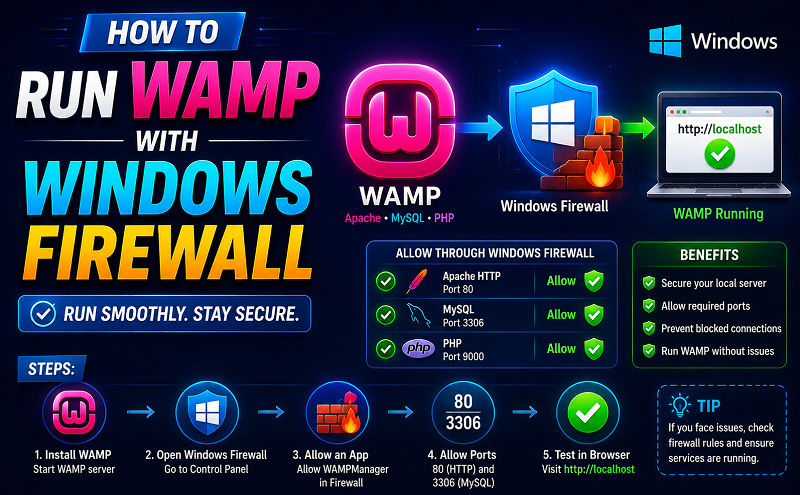
i solved the problem by disabling the firewall for port 80.
- Go to Search on right side of windows.
- search “firewall”.
- open the “firewall with advanced”.
- go to inbound rules.
- click on “new rule”.
- select the “Port” option.
- click “next”
- select “TCP” option.
- select “Specific local ports:”.
- type “80” in next text box
- click next.
- select the “Allow the connection”.
- click “next”.
- click “next”.
- give the name “Port 80 Allow Rule”.
- click “next”.
Note: this is not a secure way. delete this newly created rule when you complete your work
http://superuser.com/questions/432794/how-to-allow-remote-access-to-my-wamp-server