
March 4, 2022 . 1 MIN READ
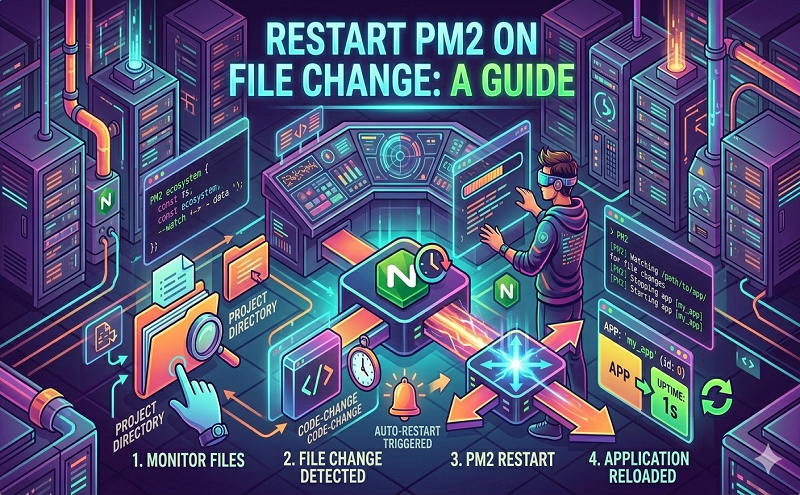
PM2 can automatically restart your application when a file is modified in the current directory or its subdirectories:
pm2 start app.js –watch
Or via configuration file set the option watch: true.
If an application is started with the –watch option, stopping the app will not prevent it to be restarted on file change. To totally disable the watch feature, do: pm2 stop app –watch or toggle the watch option on application restart via pm2 restart app –watch.
To watch specific paths, please use a Ecosystem File, watch can take a string or an array of paths. Default is true:
module.exports = { apps: [{ script: “app.js”, watch: [“server”, “client”], // Delay between restart watch_delay: 1000, ignore_watch : [“node_modules”, “client/img”], }]}
Reference: https://pm2.keymetrics.io/docs/usage/watch-and-restart/
http://www.augustkleimo.com/how-to-run-nodejs-using-pm2-on-amazon-ec2-linux/
https://www.tecmint.com/enable-pm2-to-auto-start-node-js-app/










