
October 1, 2022 . 1 MIN READ
Certbot is the standard client used to manage Let’s Encrypt certificates. While it usually schedules automatic renewals via cron or systemd, certain server configurations or firewall changes can occasionally interrupt this process.
To attempt a renewal for all certificates currently managed by Certbot on your Droplet, use the following command:
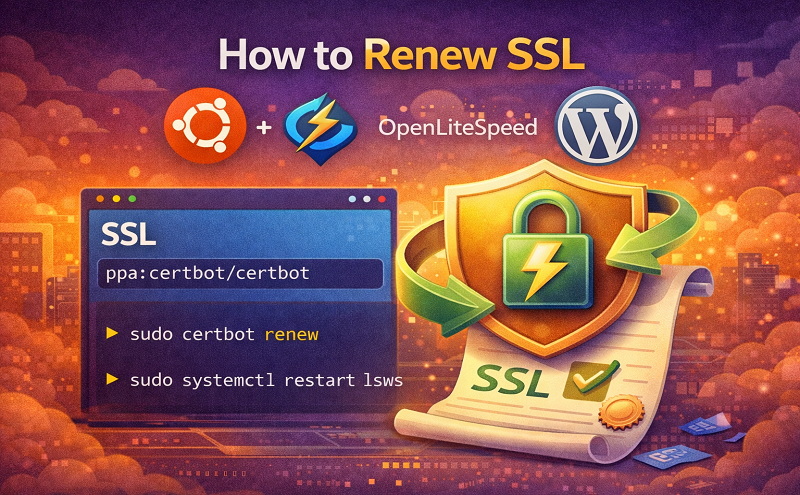
sudo certbot renew
Certbot will check the expiration dates and only renew those that are within the 30-day expiration window.
If you need to target a specific domain or bypass the 30-day window, you can use the --force-renew flag:
sudo certbot certonly --force-renew -d example.com -d www.example.com
--force-renew: Instructs Certbot to request a new certificate even if the current one isn’t close to expiring.
-d: Specifies the domain names to include in the certificate.
Before performing a real renewal, or to troubleshoot a failure, it is highly recommended to perform a dry run. This simulates the renewal process without actually requesting a new certificate from Let’s Encrypt’s servers.
sudo certbot renew --dry-run
If the command returns no errors, your configuration is valid, and the automated renewal process will function correctly in the future.
Reference:
https://forum.openlitespeed.org/threads/how-to-set-auto-renewal-of-lets-encrypt-ssl.4716/
https://docs.digitalocean.com/support/how-can-i-renew-lets-encrypt-certificates/
https://forum.openlitespeed.org/threads/letsencrypt-certificate-is-renewed-but-lsws-doesnt-restart.4841/







