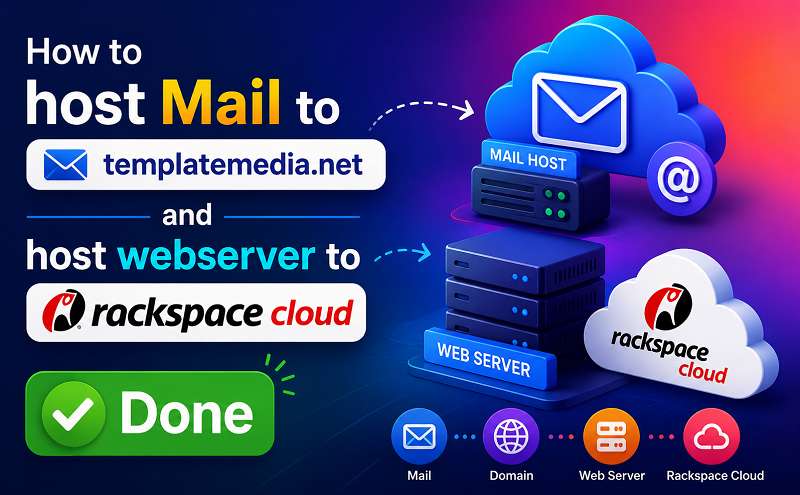
How to host Mail to templatemedia.net and host webserver to rackspace cloud?
Sometimes you need to host email to one hosting and webserver to another hosting.
If you have website hosting on RackSpace Cloud server and if you need to host email on
different hosting like templatemedia.net , you can implement it by two ways. I am discussing below both system for you.
- Updated “A “Record data : Host Domain on templatemedia.net and update A Record to your RackSpace Cloud Server IP. In this way, you don’t need to update MX Record for email hosting.
Update A Record Data:
Login your templatemedia.net customer account (https://ac.mediatemple.net/login.mt ) and go to Domain and select your domain name from the list. Go to Edit DNS Zone File and you will see the field to update or add A Record data there. Add RackSpace Cloud Server IP here in the A Record Data field. Now your website hosted at RackSpace and email at templatemedia.net Server.
- Update MX Record from RackSPace: If you host domain to RackSpace then you need to add MX Record for MediaTemple. You want to host mail server (email) on MediaTemple, so you need to update only MX Record(mail server information) on RackSpace Server Domain controller. If you don’t know where you should get MX Record data, then you should get it from MediaTemple You can do this by pointing your MX record to an A record, and pointing that A record to your mail node’s IP address. If you are hosting mail with (mt) Media Temple, be sure to enable mail for this domain using the “Enable/Disable Mail” tool in your (gs) Grid-Service Control Panel.For information on how to enable or disable local mail for your server, please see:
http://kb.mediatemple.net/questions/519Read the following article from RackSPace how to add A Record, MX Record.
http://www.rackspace.com/knowledge_center/DNS_-_Creating_a_DNS_Record