March 4, 2022 . 1 MIN READ
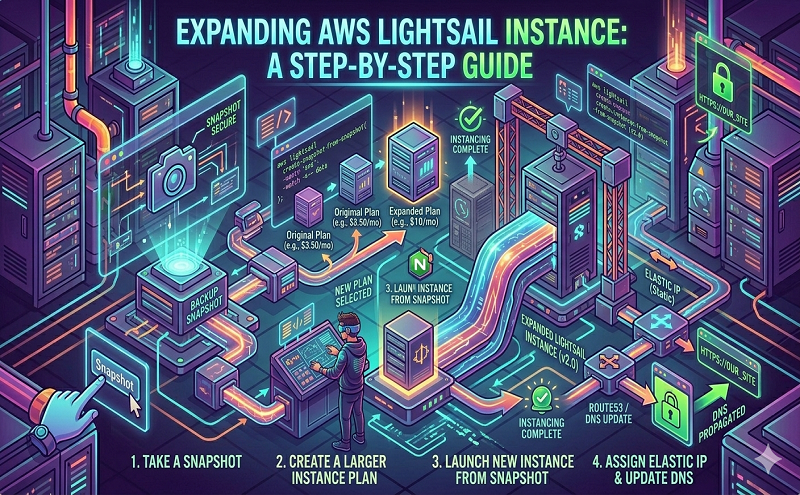
You would need to follow the instructions described here 783 for increasing the size of your instance’s disk volume. Once the volume resizing is completed, you can reboot the instance and the disk partition will be automatically expanded to adapt to the new disk size.
To update the disk space it needs to manually run using the below comamnd as the root user.
growpart /dev/xvda 1
resize2fs /dev/xvda1
Reference: https://community.bitnami.com/t/how-to-expand-an-aws-lightsail-instance/63784