
April 22, 2022 . 1 MIN READ
Reference:
https://www.garron.me/en/bits/specify-editor-crontab-file.html
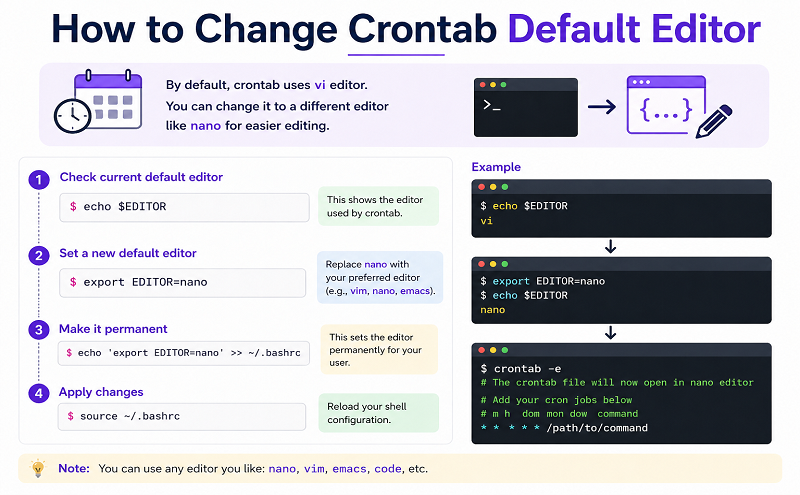
If you want to specify an editor, when opening crontab file. And not just use the default for your system. You need to use VISUAL environment variable.
Export the value of VISUAL and then run crontab -e command.
Specify nano as the editor for crontab file
export VISUAL=nano; crontab -e
Specify vim as the editor for crontab file
export VISUAL=vim; crontab -e
Of course you need to have vim or nano installed in your system if you want to use them.
permalink
If you enjoyed the article, please share it










