
July 9, 2021 . 2 MIN READ
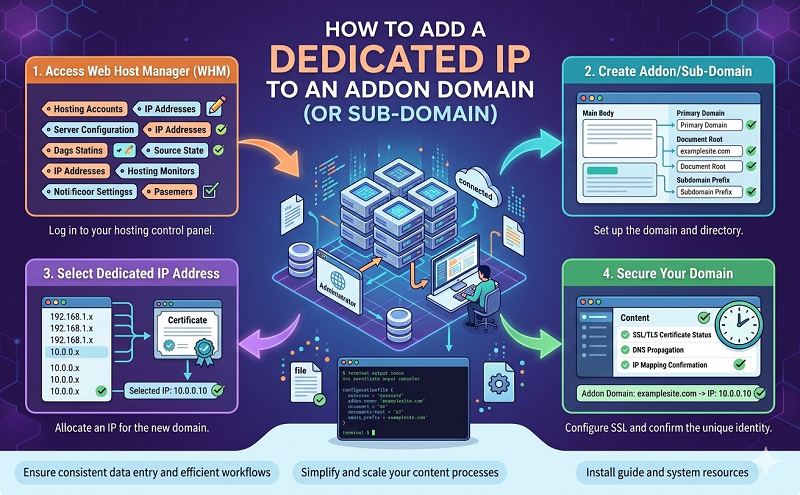
Normally when wanting to use a dedicated IP for a domain in cPanel the domain should have its own account. However if you wish to use a dedicated IP for an addon domain or even a subdomain this article will explain how. There a several reasons for wanting to do this, but mostly this is used for installation of an SSL Certificate.
Requirements:
SSH access
Basic Knowledge of SSH commands
Free IP to assign
WHM access or DNS zone editing privilege
Steps:
1. You will need to first add the domain to your cPanel account.
2. Login to your server via SSH.
3. Edit the virtual host file located at: /var/cpanel/useradata/username/addondomain.maindoman.com
3A. First you must locate the line with the current IP address and edit this to your desired dedicated IP address
3B. Save your file without changing anything else.
4. Now run /usr/local/cpanel/bin/build_apache_conf
5. Login into WHM and navigate to Main >> DNS Functions >> Edit DNS Zone
6. Select your desired domain name here and click edit.
7. Update your A records now to the new IP address and click save.
8. Next in WHM go to Main >> IP Functions >> Show/Edit Reserved IPs.
9. Now reserve the IP you just used so that no new accounts can use this IP address in the future.
10. Lastly and finally, it is recommended that you restart both Apache and the DNS server.
Creating a Cpanel WHM add-on domain with dedicated ip address and ssl certifcate
I have recently been migrating a Magento site to a new server which uses cPanel/WHM. The Magento site is setup to run multiple stores off one installation, each of which runs on a separate domain.
Problem: By default cpanel doesn’t allow you to have a dedicated IP address for an addon domain. The reason why a dedicated IP address is needed is because each store requires an SSL certificate and SSL certificates can’t share an IP address.
Solution: You need to edit the addon domain apache config and change the IP address from the main site IP address to another IP address pointing to the server.
Process:
1. Create a new account in WHM
vi /var/cpanel/userdata/mainaccount/addon.mainaccount.com
You need to change the ip from the main account IP to the addon domain IP: Eg: 192.168.0.2 => 192.168.0.3
documentroot: /home/mainaccount/public_html
group: mainaccount
hascgi: 1
homedir: /home/ mainaccount
ifmodulemodsuphpc:
group: mainaccount
ip: 192.168.0.3
no_cache_update: 0
phpopenbasedirprotect: 1
port: 80
https://www.vudoohosting.com/service/knowledgebase.php?action=displayarticle&id=1










