
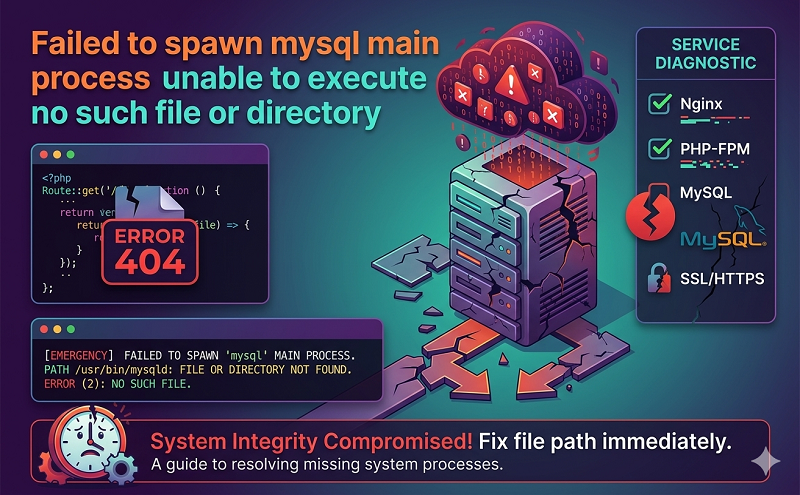
July 9, 2021 . 1 MIN READ
Check that mysql-server-5.1 package was uninstalled, seems it might persist after upgrade. I had the same error and had to purge MySQL server 5.1 and 5.5 then re-install.
First make a backup of your /var/lib/mysql/ directory just to be safe.
sudo cp -R /var/lib/mysql/ ~/mysql
Next purge MySQL (this will remove php5-mysql and phpmyadmin as well as a number of other libraries so be prepared to re-install some items after this.
sudo apt-get purge mysql-server-5.1 mysql-common
Remove the folder /etc/mysql/ and it’s contents
sudo rm /etc/mysql/ -R
Next check that your old database files are still in /var/lib/mysql/ if they are not then copy them back in to the folder then chown root:root
(only run these if the files are no longer there)
sudo mkdir /var/lib/mysql/
sudo chown root:root /var/lib/mysql/ -R
sudo cd ~/mysql/
sudo cp * /var/lib/mysql/ -R
Next install mysql server
sudo apt-get install mysql-server
Finally re-install any missing packages like phpmyadmin and php5-mysql.
http://askubuntu.com/questions/125686/failed-to-spawn-mysql-main-process-unable-to-execute-no-such-file-or-director










