
March 4, 2022 . 1 MIN READ
Next let’s install PM2, a process manager for Node.js applications. PM2 makes it possible to daemonize applications so that they will run in the background as a service.
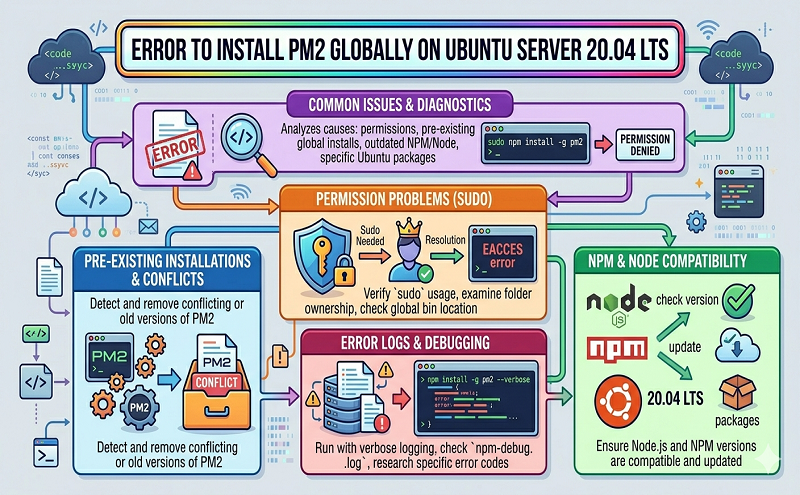
Use npm to install the latest version of PM2 on your server:
· sudo npm install pm2@latest -g·
Copy
The -g option tells npm to install the module globally, so that it’s available system-wide.
Let’s first use the pm2 start command to run your application, hello.js, in the background:
· pm2 start hello.js
Reference:
https://stackoverflow.com/questions/62201790/error-to-install-pm2-globally-on-ubuntu-server-20-04lts
https://www.digitalocean.com/community/tutorials/how-to-set-up-a-node-js-application-for-production-on-ubuntu-20-04








