
July 14, 2021 . 1 MIN READ
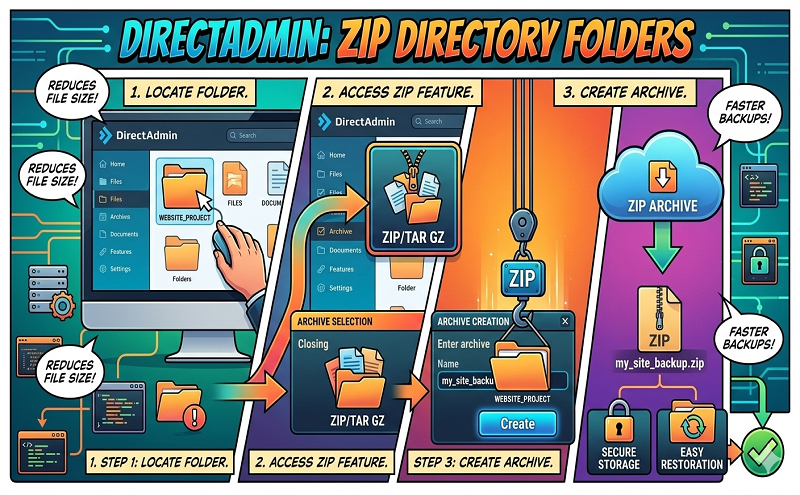
Directadmin: directory / folder zip
how to compress folder from file manager?
http://forum.directadmin.com/showthread.php?t=24285
Yes, this is possible. You first need to select the directory you want to compress, then add it to your clipboard by clicking on the Add to Clipboard button. After it’s added to your clipboard, then you can use the Compress Clipboard Files feature to create a .tar.gz file. Hope this helps.










