
March 3, 2022 . 1 MIN READ
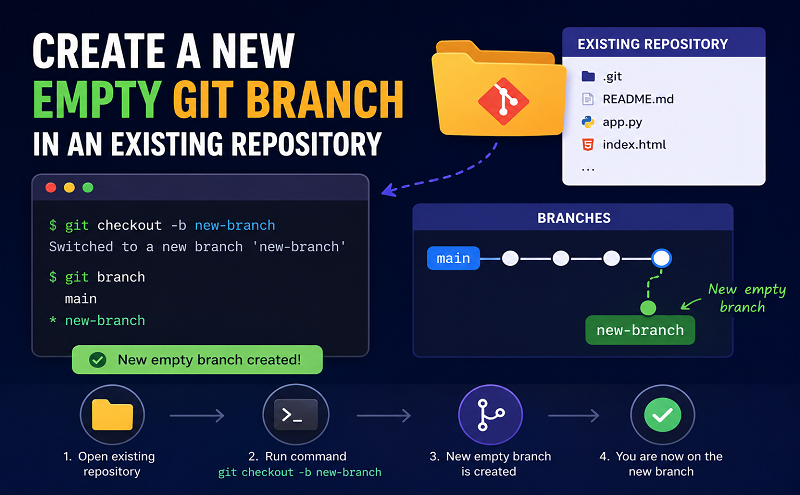
Sometimes you want to create a completely empty git branch in a repository (for example for documentation, static site generation etc). Here is how to accomplish this. Replace empty-branch with the branch name you want to create.
git checkout –orphan empty-branch
git rm -rf .
git commit –allow-empty -m “root commit”
git push origin empty-branch
Reference: https://snippets.khromov.se/create-a-new-empty-git-branch-in-an-existing-repository/
https://stackoverflow.com/questions/34100048/create-empty-branch-on-github/55943394










