July 13, 2021 . 2 MIN READ
https://lightsail.aws.amazon.com/ls/docs/en_us/articles/lightsail-create-static-ip
Last updated: June 28, 2018
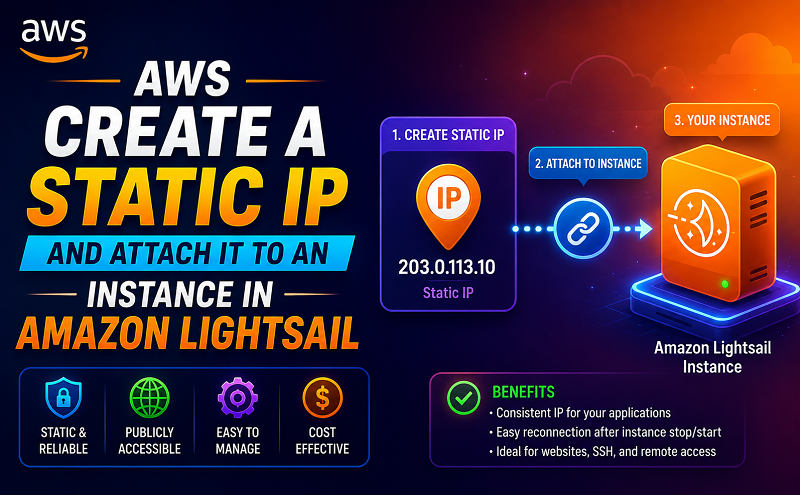
The default dynamic public IP address attached to your Amazon Lightsail instance changes every time you stop and restart the instance. Create a static IP address and attach it to your instance to keep the public IP address from changing. Later, when you point a registered domain name to your instance, you don’t have to update your domain’s DNS records every time you stop and restart your instance. For more information, see Static IP addresses in Amazon Lightsail.
You need at least one instance running in Lightsail. To create one, see Create an instance in Lightsail.
Follow these steps to create a new static IP address and attach it to an instance in Lightsail.
Note
Static IP addresses can only be attached to instances in the same Region.
Resource names:
Now when you go to the home page, you see a static IP address that you can manage.
Also, on the Networking tab of your instance’s management page, you’ll see a blue pushpin next to your public IP address. This indicates that the IP address is now static.
Important
Static IP addresses are free while attached to a resource. You can manage up to five at a time.