This Magento upgrade tutorial will help guide you through the process of updating / upgrading your Magento installation from 1.4+ to 1.9.2.1. which was released on August 04, 2015. For the purpose of this tutorial, we will assume you have access to SSH on your hosting account. You should always create a backup of your entire website/database before proceeding with an upgrade and never perform these steps on a live store. Please be sure to obtain updated files from the authors of any Magento extensions you have installed on your website.
- Change to your Magento installation directory:
(swap “username” below for your account’s username, or change the entire path to match your absolute URL)
cd /home/username/public_html
- Download Magento 1.9.2.1 from MagentoCommerce.com:
wget http://www.magentocommerce.com/downloads/assets/1.9.2.1/magento-1.9.2.1.tar.gz
The download link above doesn’t seem to be working, so until we update that you can download the files here: https://www.webcitz.com/magento-1.9.2.1.zip
- Extract the archive:
tar -zxvf magento-1.9.2.1.tar.gz
- Change to the directory created during extraction:
cd magento
- Turn off file replacement prompts:
unalias cp
- Copy the Magento 1.9.2.1 files over your existing files:
cp -rf * /home/username/public_html
- Change back to your Magento installation directory:
cd ../
- Remove the empty folder
rm -rf magento
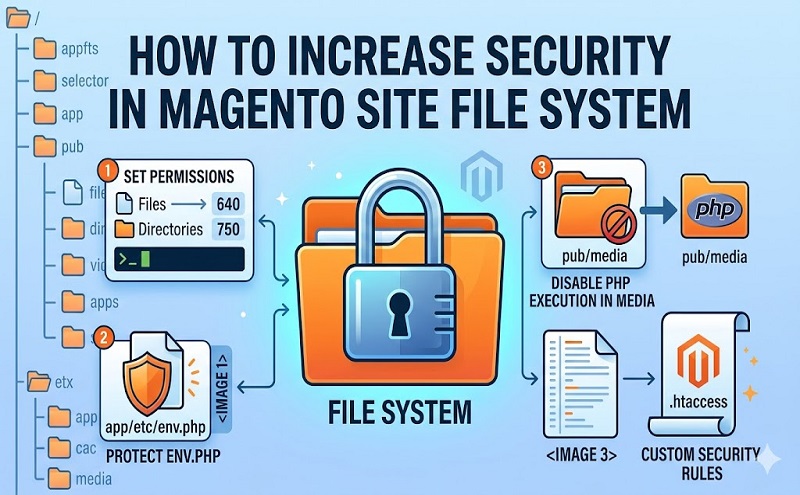
- Optional: CHMOD all files to 644:
find -type f -name ‘*.*’ -exec chmod 644 {} \;
Optional: CHMOD all folders to 755:
find -type d -exec chmod 755 {} \;
Optional: CHOWN all files/folders:
chown -R username:username