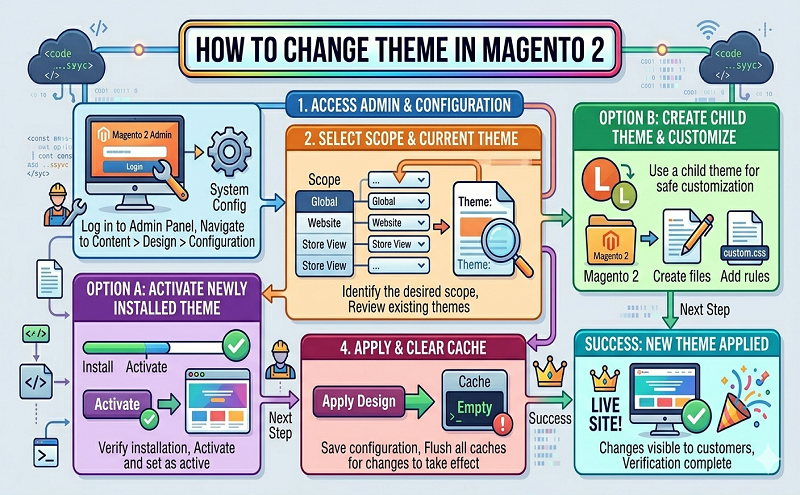
Steps to Change Theme in Magento 2:
- Log in to Admin Panel.
- Navigate to Content > Design > Configuration.
- Click Edit theme.
- In Applied Theme dropdown, select the theme that you want to change to.
- Click Save Configuration.
Reference: https://meetanshi.com/blog/change-theme-in-magento-2/