March 4, 2022 . 1 MIN READ
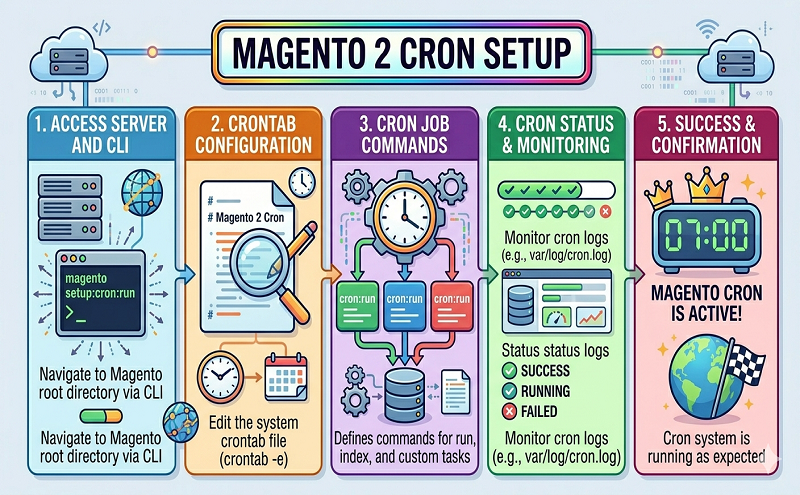
To create the Commerce crontab:
| bin/magento cron:install [–force] |
Use –force to rewrite an existing Magento crontab.
To view the crontab, enter the following command as the file system owner:
| crontab -l |
A sample follows:
| #~ MAGENTO START c5f9e5ed71cceaabc4d4fd9b3e827a2b* * * * * /usr/bin/php /var/www/html/magento2/bin/magento cron:run 2>&1 | grep -v “Ran jobs by schedule” >> /var/www/html/magento2/var/log/magento.cron.log#~ MAGENTO END c5f9e5ed71cceaabc4d4fd9b3e827a2b |
Reference: https://devdocs.magento.com/guides/v2.4/config-guide/cli/config-cli-subcommands-cron.html#create-or-remove-the-magento-crontab