
July 9, 2021 . 1 MIN READ
https://www.digicert.com/csr-creation-webmin.htm
https://www.virtualmin.com/node/17769
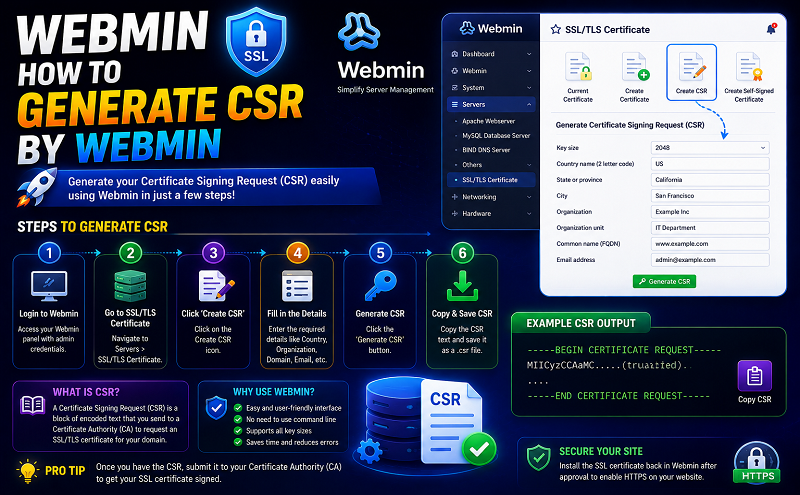
There’s actually a super-easy way to do all that… you can go into Server Configuration -> Manage SSL Certificates for the domain that has the SSL cert.
From there, it’s as simple as going into the “Signing Request” tab, where you can generate a new CSR.
Once you have your CSR, you give that to the SSL provider, who would then give you your SSL certificate. You can paste the SSL cert they give you into the “New Certificate” field.
After that, you should be all set!










