
July 9, 2021 . 1 MIN READ
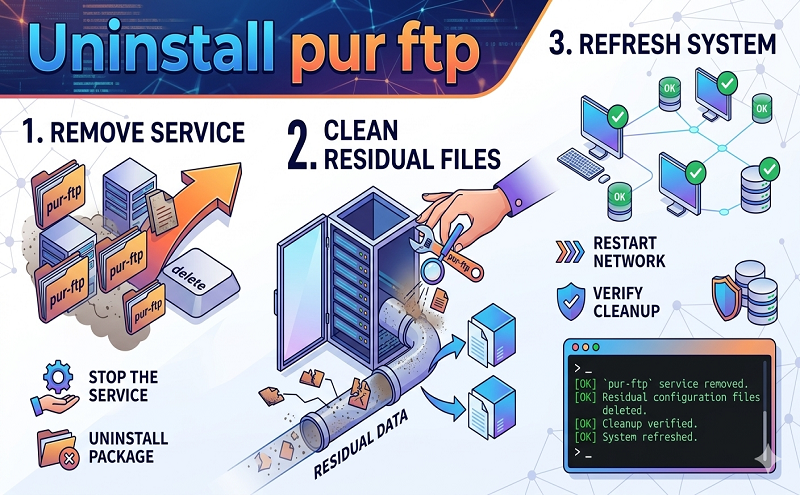
Uninstall pur-ftp
sudo apt-get remove pure-ftpd-mysql –purge
http://serverfault.com/questions/180029/how-to-reinstall-pure-ftpd-on-debian
because i had problems with my pure-ftpd i decided to completely remove and reinstall it.
so i did like
apt-get remove pure-ftpd-mysql
find / -name “pure-ftpd” -exec rm -rf {} \;
now after reinstalling the init.d script and other pieces are still missing, i wonder how they got there initially…
When use want a complete removing of a package you need to purge it (usaualy it means removing also config files).
aptitude purge pure-ftpd-mysql
Anyway, when a config file for an installed package is missing, you can use the following command to force dpkg to reinstall original missing configuration files :
dpkg –force-confmiss -i /var/cache/apt/archives/pure-ftpd-mysql_1.0.24-1_i386.deb
Assuming you don’t have done an:
apt-get clean
that remove the cache 🙂
shareimprove this answer
answered Sep 10 ’10 at 20:32
Fbo
49327
thank you very much – Andreas Linden Sep 12 ’10 at 22:09
add a comment
up vote
0
down vote
You need to purge it:
apt-get –purge remove pure-ftpd-mysql
apt-get –purge remove pure-ftpd










