
July 9, 2021 . 1 MIN READ
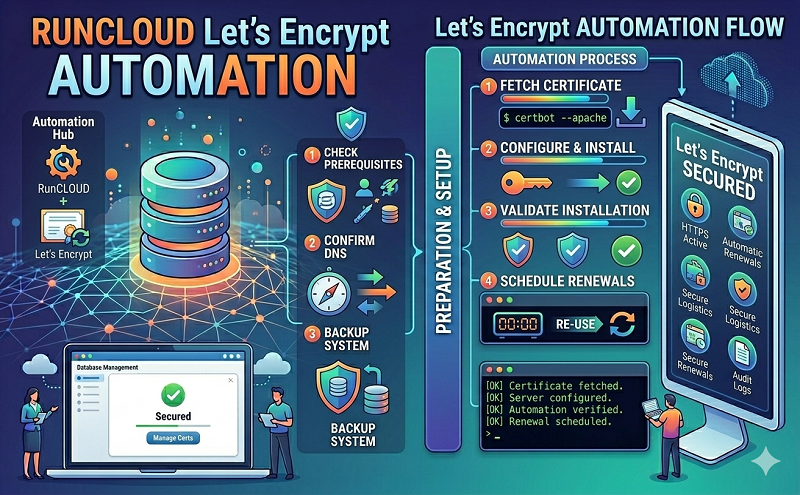
Install Let’s Encrypt SSL on RunCloud.io servers
Installation
pip install rcssl
Usage
usage: PROG [-h] [-i {all}] [-u {all}] [-r] [-a {disable,enable}]
optional arguments:
-h, –help show this help message and exit
-i, –install
Install SSL certificate on an app or on all available
apps. Provide the target app name or type all to
install SSL on all apps.
-u, –uninstall
Uninstall SSL certificate from an app or from all
available apps.
-r, –renew Renew all installed SSl certificates.
-a {disable,enable}, –autopilot {disable,enable}
Enable or disable auto-pilot mode.
Examples
To install SSL on all available apps:
rcssl -i all
And to install SSL on a specific app:
rcssl -i appname
Autopilot mode automatically retrieves and installs SSL certificates on your new apps without needing you to sign in and run the install command.
To enable autopilot mode:
rcssl -a enable
and to disable autopilot mode
rcssl -a disable
To uninstall SSL certificate from all apps:
rcssl -u all
And to uninstall SSL certificate from a specific app:
rcssl -u appname
https://github.com/rehmatworks/runcloud-letsencrypt










