
July 6, 2021 . 2 MIN READ
The Heartbleed OpenSSL bug is unlike virtually any Internet security threat you’ve probably ever heard of. It’s not a virus that’s specific to one operating system or type of device. Since it revolves around a flaw in the method of encryption used by many of the world’s websites, it affects almost everyone who uses the Internet, including people who operate servers that run Ubuntu Linux, the free, open-source operating system.
MORE: Which websites are affected by the Heartbleed OpenSSL encryption bug?
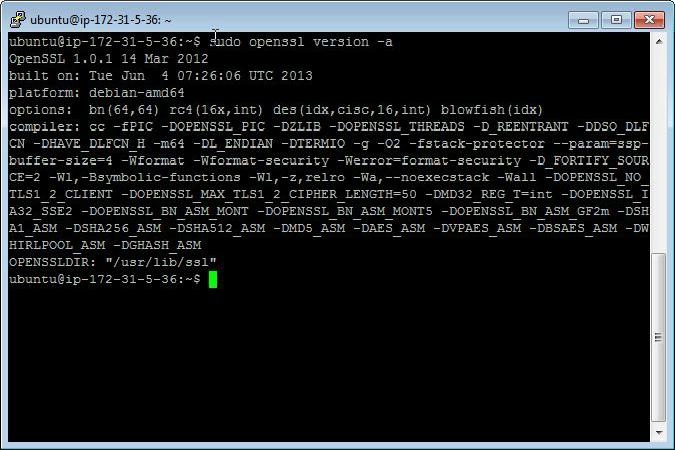
Fortunately, with the help of a few commands, you can check whether the version of Ubuntu you’re using is vulnerable to the Heartbleed bug, and also update Ubuntu to ensure that the vulnerability is sealed and patched. It’s important to note that multiple versions of Ubuntu are affected, including Ubuntu 12.04 LTS, Ubuntu 12.10, and Ubuntu 13.10, so it’s imperative that you ensure that the version you run is safe — or update to one that is. Here’s how, according to ansoncheunghk.info.
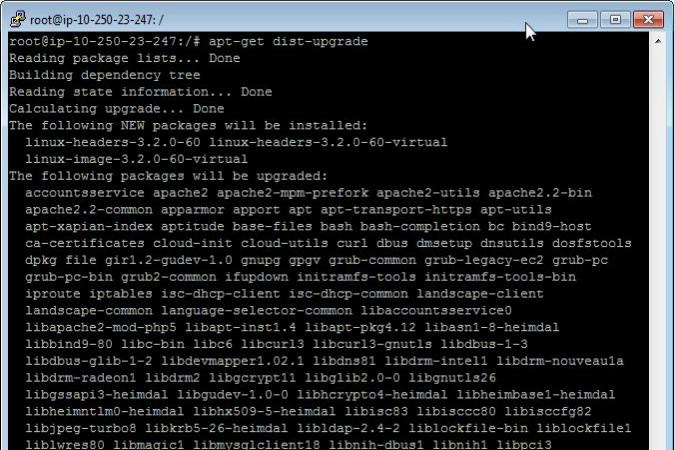
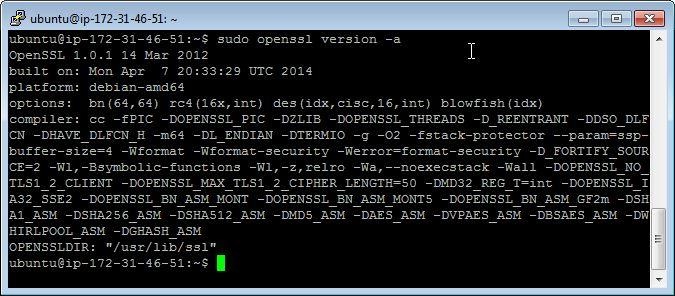
3. Then restart your Ubuntu server using this command: # sudo reboot. Once reboot is complete, use the same command you used in Step 1 to verify that your Ubuntu install is dated for April 7 or later by checking the line that begins with “built on.”
Do you have any other tips for how to make Ubuntu safe from the Heartbleed bug? If so, please share them in the comments below.








