
April 25, 2022 . 1 MIN READ
Reference:
2) We need to change the URL structure for this page http://www.ndstorefixture.com/Showcases_Display_Cases_s/1.htm so that it appears this way http://www.ndstorefixture.com/display-cases/ and then set a 301 redirect for http://www.ndstorefixture.com/Showcases_Display_Cases_s/1.htm so that it forwards to http://www.ndstorefixture.com/display-cases/
=> volusion does not have this feature direct solution. They have below solution which we can implement. Let me know if this works for you or you need to submit ticket to volution for this custom URL requirment.
https://support.volusion.com/hc/en-us/articles/209457447-How-to-Customize-Your-URLs#category
The text you typed now displays in place of the “category” portion of the URL in this manner:
http://<YOURDOMAIN>/<CUSTOMTEXT>_s/<CATEGORYID#>.htm
For example:
http://www.yourvolusiondomain.com/shirts_s/1.htm
Note that the text is case-sensitive. The “_s” and “/<CATEGORYID#>.htm” portions of the URL are always present and cannot be eliminated or changed.
If you edit the Category URL Text value at any point, an automatic 301 redirect will be created from the old version of the URL to the new version in order to preserve page rank.
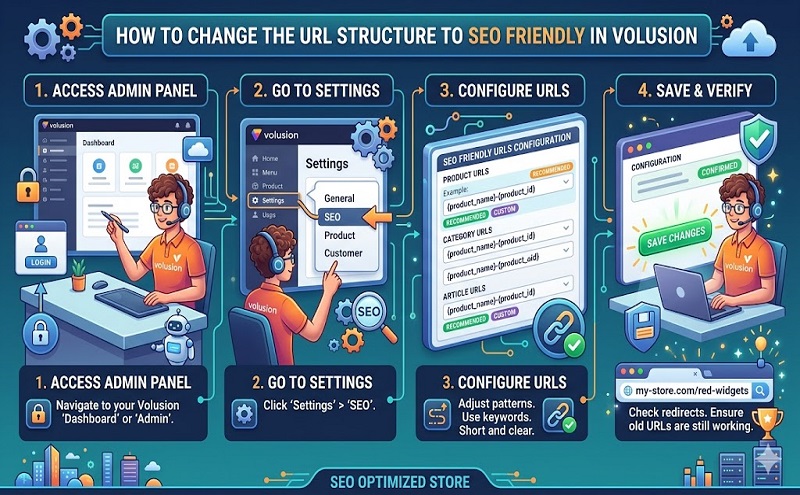
If you would like your search engine friendly URLs to use hyphens instead of underscores, go toMarketing > SEO, open the Search Engine Friendly URLs section, select the Use Hyphens instead of Underscores check box, and save.










