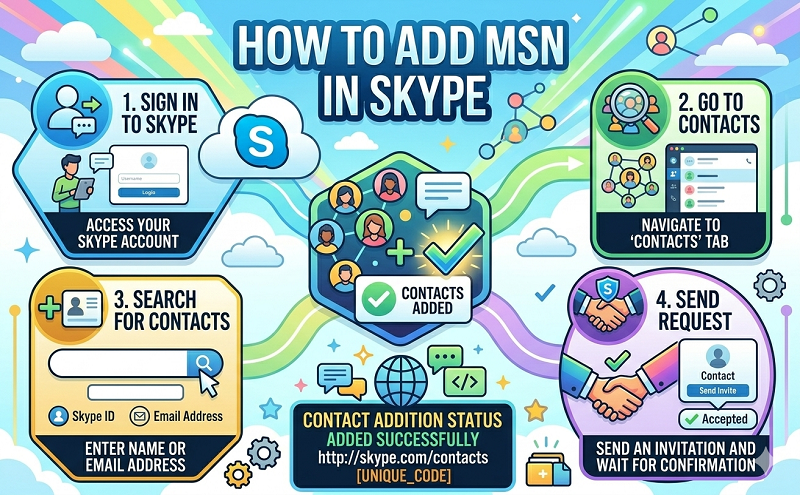
Go to skype, then go to top left skype option “File”
2. Sign out on bottom
3. Then click on skype app and you will be on this screen http:// s.hostdi.me/gVRc
4. On the right side you will see the option login with microsoft account. Click on that and login using your msn login
5. You will then be at a screen similar to http:// s.hostdi.me/vPXP Select I have a skype account and then it will bring you to another screen asking you if you want to merge your skype and msn account.
6. Proceed to accept it, then login to skype using your msn account and all your skype and msn contacts will show up!The good thing is people will see you on skype on both your msn and skype username. You will need to sign into skype using msn login from now on because if you login using your original skype name the msn contacts don’t show up.