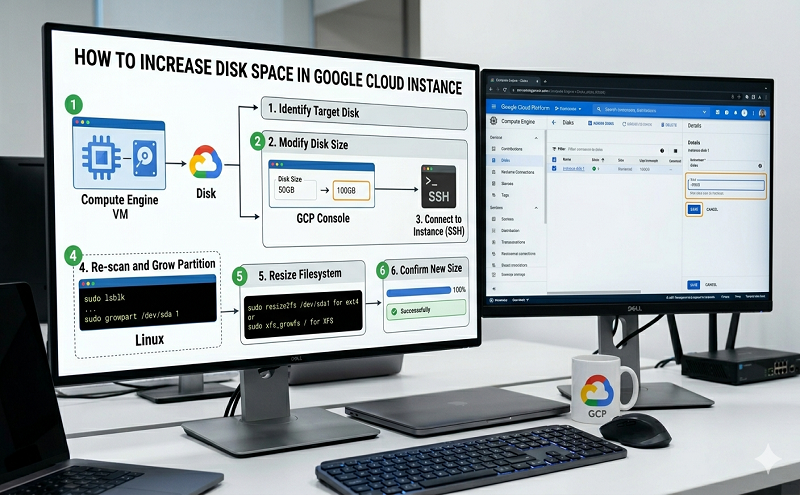
- Go to the Compute Engine page.
- Click on “Disks” in the sidebar.
- Click the name of the disk that you want to resize.
- At the top of the disk details page, click “Edit”.
- In the “Size” field, enter the new size for your disk.
- At the bottom of the disk details page, click “Save” to apply your changes to the disk.
Reference: https://stackoverflow.com/questions/22381686/how-can-size-of-the-root-disk-in-google-compute-engine-be-increased