
March 7, 2022 . 1 MIN READ
Like Niush explains a queue:restart would be good enough in the deploy script.
But if you really want to restart supervisor self in the forge quick deploy script you would have to give the forge user rights to restart supervisor.
This can be done in the sudoers file. You would need some linux knowledge tough.
forge ALL=(ALL) NOPASSWD: ALL
With this you give the forge user the rights to execute all programs in sudo mode without password.. and you could do sudo services supervisor restart
This is a serious security leak if your servers ssh ports are exposed.
The best way is to limit the exuctuions it can do like so:
forge ALL=NOPASSWD: /usr/bin/supervisorctl
this way forge can only use the sudo supervisorctl command with no password 🙂
supervisorctl restart
supervisorctl stop all. I
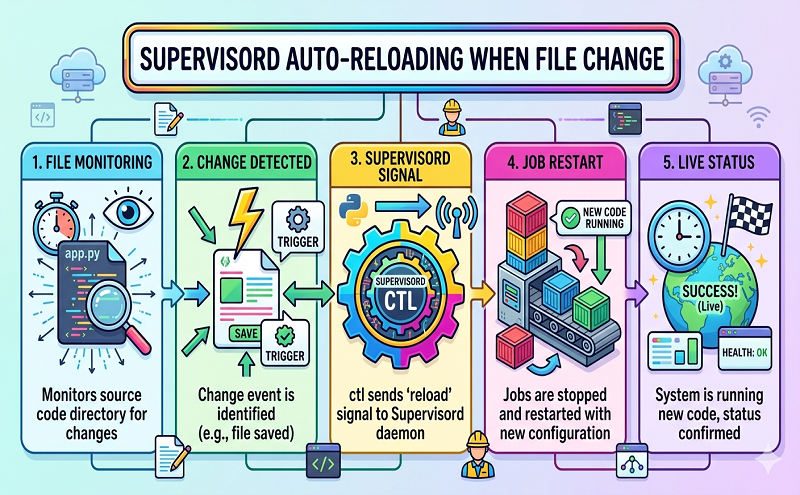
supervisorctl reload
sudo service supervisor restart
sudo touch /var/run/supervisor.socksudo chmod 777 /var/run/supervisor.socksudo service supervisor restart
sudo service supervisord start && sudo supervisorctl reload
Reference: https://laracasts.com/discuss/channels/envoyer/restart-supervisor-during-deploy
https://stackoverflow.com/questions/20227965/is-there-a-way-to-automatically-reload-supervisor-processes
http://supervisord.org/running.html










