
March 4, 2022 . 1 MIN READ
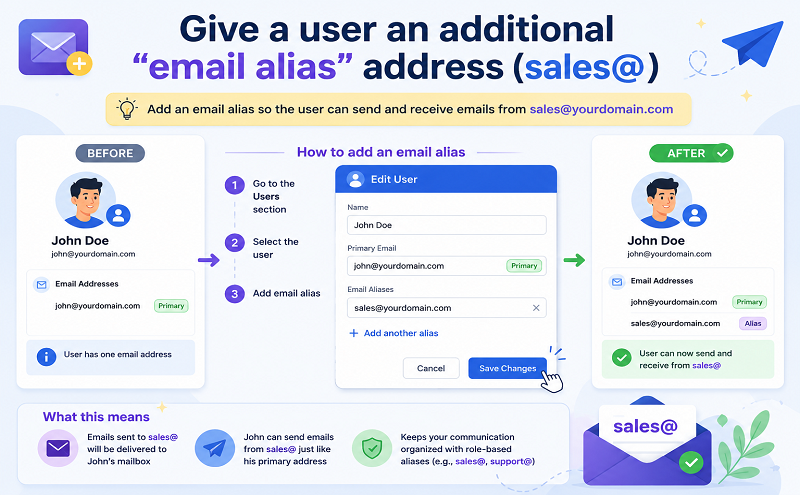
Example: If bill@solarmora.com wants a sales address for corresponding with customers, give him the email alias sales@solarmora.com. Mail sent to either address then appears in his Gmail inbox, and he can send email using either address.
Give users email aliases at no extra cost.
Important: Aliases are not private, and in some cases they’re visible to other users. For example, if a recipient searches Gmail for messages from bill@solarmora.com, search results might also include messages from his alias, sales@solarmora.com.
Reference: https://support.google.com/a/answer/33327?hl=en










