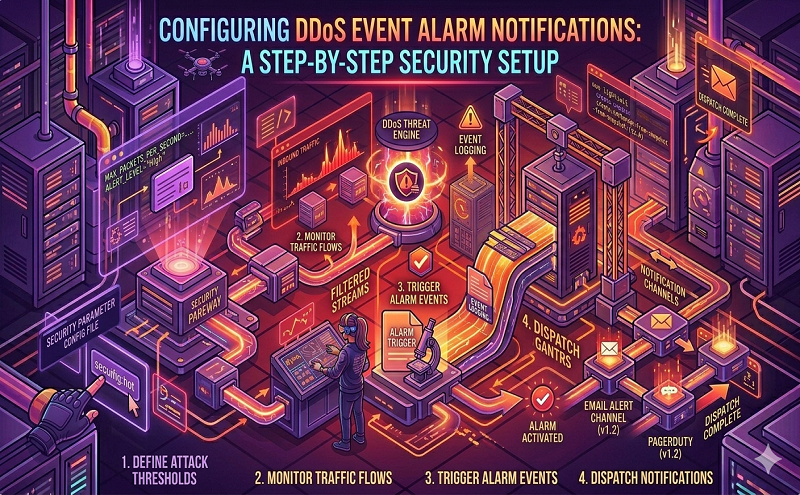
You can configure the alert notification method of the Anti-Defend IP service on the management console of the message center.
Steps
- Log Message Center management console.
- Navigate to Message Receiving Management > Basic Receiving Management, and click Message Recipient Management .
- On the message recipient managementpage, click Add new message recipient to add a contact, or click Modify / Delete under the operation column of an existing contact to perform related operations.
- Return to the basic receiving managementpage, under the message type , select Secure Message > Cloud Shield Secure Message Notification , select the corresponding notification method ( site letter , email, and SMS ), and click Modify under the message recipient column to select the message recipient .
Results of the
After the setting is completed, the message recipient you selected will receive the alarm notification related to the Anti-Defense IP service through the selected notification method.
Reference: https://help.aliyun.com/document_detail/40531.html