
March 3, 2022 . 2 MIN READ
Last updated: 2021-10-20
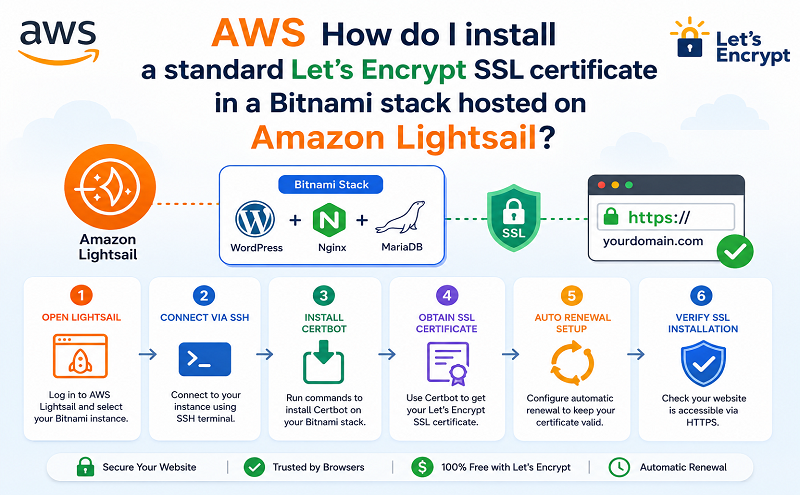
How do I install a standard SSL certificate for my website in an Amazon Lightsail instance with a Bitnami stack?
The following resolution covers installing a standard Let’s Encrypt SSL certificate (not a wildcard) for websites hosted in a Lightsail instance with a Bitnami stack. Examples of these instance blueprints include WordPress, LAMP, Magento, MEAN, and so on. If you have a different instance blueprint or want to install a wildcard certificate, see one of the following:
Standard Let’s Encrypt certificates
For information on installing a standard Let’s Encrypt certificate on a Lightsail instance that doesn’t use a Bitnami stack, such as Amazon Linux 2, Ubuntu, and so on, see How do I install a standard Let’s Encrypt SSL certificate in a Lightsail instance?
Wildcard Let’s Encrypt certificates (for example, *.example.com)
For information on installing a wildcard Let’s Encrypt certificate in a Lightsail instance with a Bitnami stack, such as WordPress, Lamp, Magento, MEAN, and so on, see How do I install a wildcard Let’s Encrypt SSL certificate in a Bitnami stack hosted on Amazon Lightsail?
For information on installing a wildcard Let’s Encrypt certificate in a Lightsail instance that doesn’t use a Bitnami stack, such as Amazon Linux 2, Ubuntu, and so on, see How do I install a wildcard Let’s Encrypt SSL certificate in Amazon Lightsail?
Bitnami provides their own HTTPS Configuration tool called bncert-tool for installing standard Let’s Encrypt certificates. This tool is included in Bitnami stacks released after May 10th, 2019. The tool automatically performs the following procedures:
Run the following command to launch the Bitnami HTTPS Configuration Tool:
sudo /opt/bitnami/bncert-toolFor more information on using or downloading the HTTPS Configuration Tool, see Learn About The Bitnami HTTPS Configuration Tool on the Bitnami documentation website.
Reference: https://aws.amazon.com/premiumsupport/knowledge-center/linux-lightsail-ssl-bitnami/







