
February 23, 2022 . 1 MIN READ
When you are running your next.js application locally, default port is 3000. Since it is a commonly used port, you might have other service running on the same port.
You can set port number using below ways:
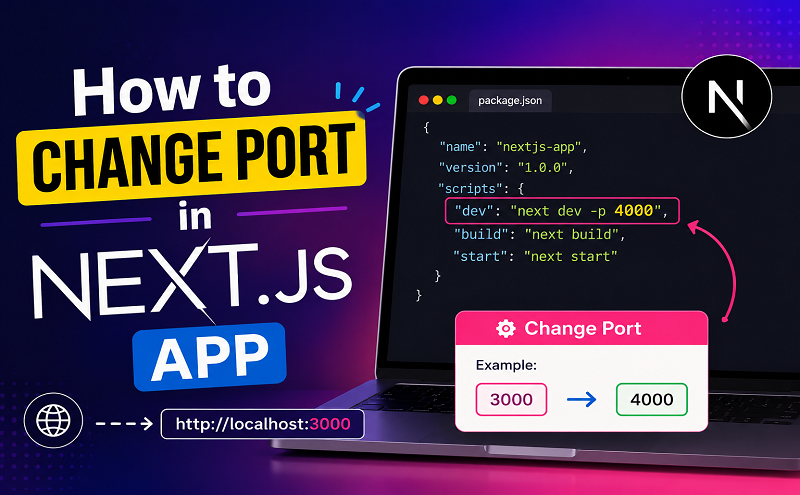
In the scripts section of package.json, there will be a command for dev.
Usually it will be "dev": "next".
To set the port number, modify the package.json contents as below to make the port number to 3005 or any other number of your choice.
"dev": "next dev -p 3005"While running your application, specify the port number. You can use the command like below:
npm run dev -- -p 3005
Reference: https://onecompiler.com/posts/3w5u9patd/how-to-change-port-in-next-js-app










