
July 9, 2021 . 2 MIN READ
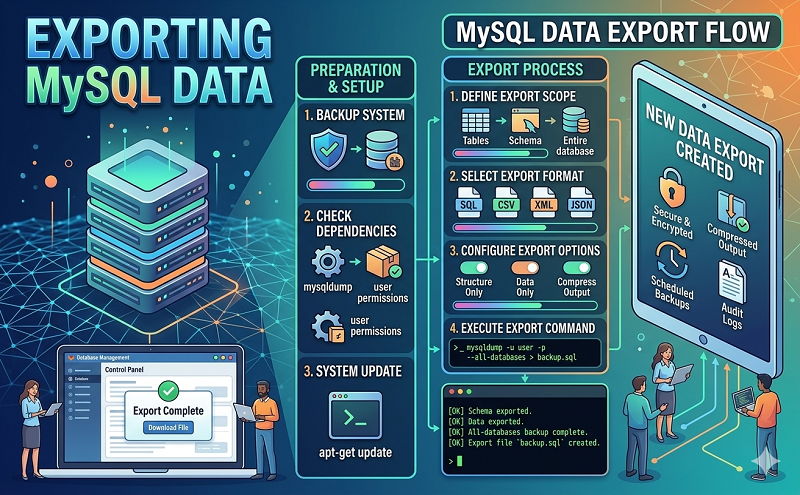
This example shows you how to export a database. It is a good idea to export your data often as a backup.
The file dbname.sql now holds a backup of your database and is ready for download to your computer.
To export a single table from your database you would use the following command:
mysqldump -p –user=username database_name tableName > tableName.sql
Again you would need to replace the username, database and tableName with the correct information.
Once done the table specified would then be saved to your account as tableName.sql
Import A MySQL Database
The file must be in .sql format. It can not be compressed in a .zip or .tar.gz file.
mysql -p -u username database_name < file.sql
To import a single table into an existing database you would use the following command:
mysql -u username -p -D database_name < tableName.sql
https://help.1and1.com/hosting-c37630/databases-c85147/mysql-database-c37730/importing-and-exporting-mysql-databases-using-php-a777072.html










