
July 9, 2021 . 3 MIN READ
Issue Status Update:
Programmer/ Designer/ QAE/ Frontend Programmer/ SEO Executive:
Status:
In Progress: when you check the issue / job or you are working on the job
Resolved: when you complete the job according to the primary spec
Done: Set the % in Done field
Estimated Time: Set the estimated time.
Comment: When you provide any update , please add the comment too because in the report we get comment details with spend hours.
Project Manager/ Project Coordinator:
Status:
New: When a new issue assign
Feedback: When feedback assigned for the primary spec
Closed: when a issue/job complete and must close this when a job complete.
Rejected: when a job cancel.
Due Date: Set the delivery date.
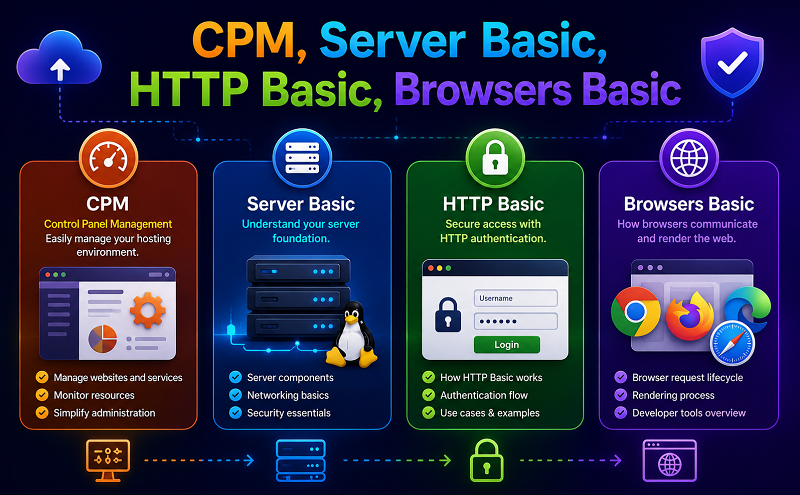
Server Basic:
2. Linux Server
http://support.hostgator.com/articles/cpanel/what-are-cron-jobs
http://support.hostgator.com/articles/cpanel/how-do-i-create-and-delete-a-cron-job
Backup a single database:
This example takes a backup of sugarcrm database and dumps the output to sugarcrm.sql
# mysqldump -u root -ptmppassword sugarcrm > sugarcrm.sql
# mysqldump -u root -p[root_password] [database_name] > dumpfilename.sql
In this example, to restore the sugarcrm database, execute mysql with < as shown below. When you are restoring the dumpfilename.sql on a remote database, make sure to create the sugarcrm database before you can perform the restore.
# mysql -u root -ptmppassword
mysql> create database sugarcrm;
Query OK, 1 row affected (0.02 sec)
# mysql -u root -ptmppassword sugarcrm < /tmp/sugarcrm.sql
# mysql -u root -p[root_password] [database_name] < dumpfilename.sql
FTP: download all source code by FTP
Zip and download:
Create tar Archive File
The below example command will create a tar archive file tecmint-14-09-12.tar for a directory /home/tecmint in current working directory. See the example command in action.
# tar -cvf tecmint-14-09-12.tar /home/tecmint/
FTP: Upload all files by FTP
Upload and Unzip:
Untar tar Archive File
To untar or extract a tar file, just issue following command using option x (extract). For example the below command will untar the file public_html-14-09-12.tar in present working directory. If you want untar in a different directory then use option as -C (specified directory).
## Untar files in Current Directory ##
# tar -xvf public_html-14-09-12.tar
HTTP Basic:
http://en.wikipedia.org/wiki/Hypertext_Transfer_Protocol
http://en.wikipedia.org/wiki/List_of_HTTP_status_codes
Browsers Basic
Web browser (browser)
Short for Web browser, a browser is a software application used to locate, retrieve and display content on the World Wide Web, including Web pages, images, video and other files. As a client/server model, the browser is the client run on a computer that contacts the Web server and requests information. The Web server sends the information back to the Web browser which displays the results on the computer or other Internet-enabled device that supports a browser.
Browser Software Today
Today’s browsers are fully-functional software suites that can interpret and display HTML Web pages, applications, JavaScript, AJAX and other content hosted on Web servers. Many browsers offer plug-ins which extend the capabilities of the software so it can display multimedia information (including sound and video), or the browser can be used to perform tasks such as videoconferencing, to design web pages or add anti-phishing filters and other security features to the browser.
The two most popular browsers are Microsoft Internet Explorer and Firefox. Other major browsers include Google Chrome, Apple Safari and Opera. While most commonly use to access information on the web, a browser can also be used to access information hosted on Web servers in private networks.
http://www.w3schools.com/browsers/browsers_stats.asp










