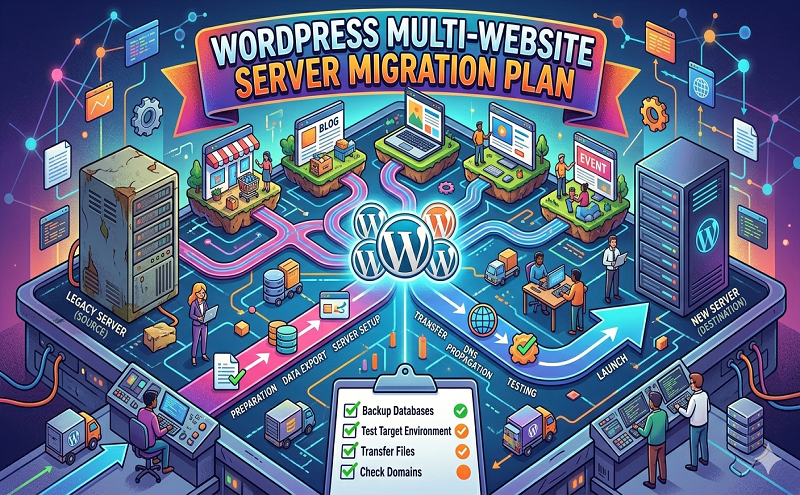
WordPress multi website server migration plan

July 15, 2021 . 1 MIN READ

  1. Backup entire website by Cpanel Backup
  2. Download backup files
  3. Download database
  4. AWS-EC2 server configuration for Webserver by RunCloud
  5. AWS-EC2 Server conjugation for MySQL Server by RunCloud
  6. Add Firewall and configure Firewall for IP restrictions for database and SFTP/FTP/SSH and block rest of all ports.
  7. Upload source code to new EC2 Web Server
  8. Upload Database to new MySQL Server
  9. Configure Database for wordpress
  10. Add domain to new server from Runcloud
  11. Update A record for the new Server
  12. Test all sub-domains on the new server and test main domain after update A record
  13. Update rest of the domains A Record one by one and test each domain to new server
  14. Install SSL for all domains. We will use Letsencrypt  free SSL and if you have paid SSL, please send me.


Leave a Reply

Your email address will not be published. Required fields are marked *