July 13, 2021 . 1 MIN READ
How do I remove a full directory in Linux?
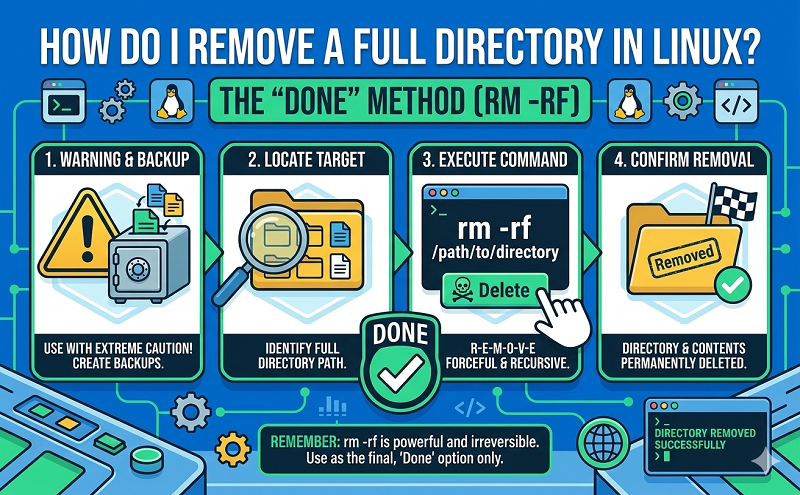
To remove a directory that is full with other files or directories, use the below command.
rm -r directory
In the above example, you would replace “directory” with the name of the full directory you wish to delete. So if the directory was named files, you would type: rm -r files
In the above example the command would prompt you as directories and files were being deleted if you wanted to force the delete with no prompts add the ‘f’ option to the command as shown below.
rm -rf directory
When attempting to remove a directory using a command such as the rmdir command, you may receive a prompt such as “rmdir: ‘dir’: Directory not empty” and be unable to delete the directory.