
July 8, 2021 . 1 MIN READ
Ubuntu by default does not allow login as root. This is for security reasons. Ubuntu uses sudo, which allows users to issue commands with administrative privleges.
The user created during installation is automatically made an administrative user, meaning is already set up to use sudo.
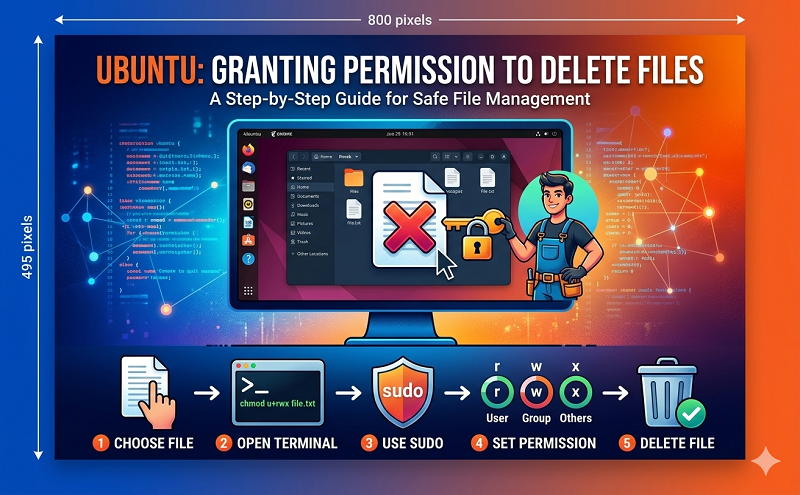
Don’t use the graphical file manager. Instead use the terminal.
ctrl+alt+t will open the terminal.
cd /var/www will get you to the directory.
You can delete files with sudo rm [files to delete].
You will be prompted for your sudo password, which is the same as your regular password. Nothing will show on the screen as you type your password.
Be very careful. rm removes files immediately and is generally not able to be undone. Check and double-check for typos.
You can use rm -i [filename] to get an Are you sure? prompt.
http://askubuntu.com/questions/363802/permission-to-delete-files








