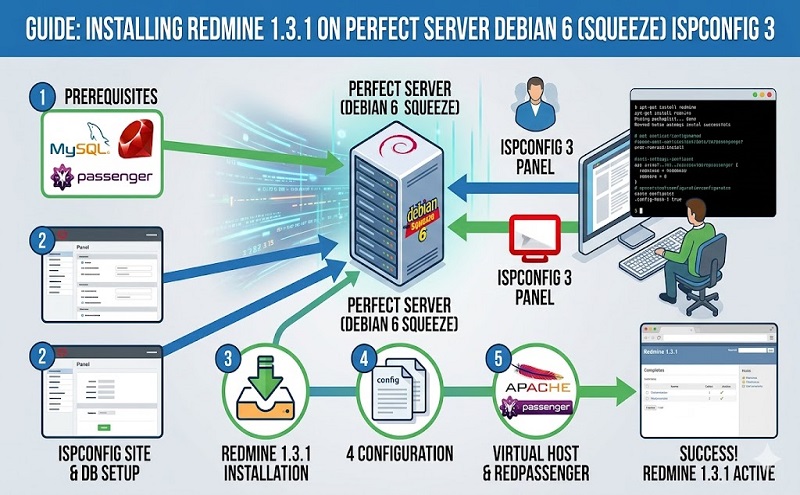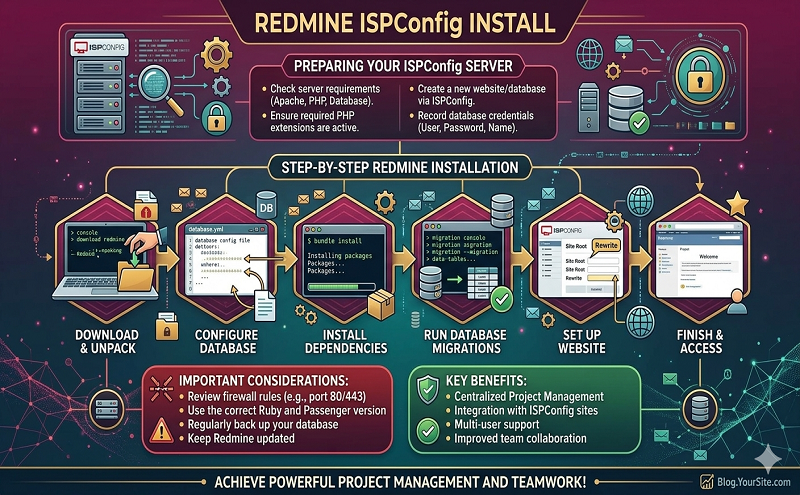
The following is my notes on installing Redmine on Perfect Server Debian 6 with ISPConfig3. If you are ISPConfig3 users and would like to install Redmine, this walk-though maybe helpful. This guide assume you have ISPConfig 3 setup already. ISPConfig is a hosting control panel, you can use it to setup web, email, MySQL database with ease. If you don’t know what is ISPConfig, please find the following link: After installed your perfect server and ISPConfig, go ahead to create a client, then a website and database for the new client. Next, download Redmine, extract the archive to /var/lib/redmine, then follow the procedures below. ==Installing Ruby==
apt-get install libapache2-mod-passenger librmagick-ruby1.8 libmysql-ruby rake
The following packages will be installed: Setting up ruby1.8 (1.8.7.302-2squeeze1) …
Setting up ruby (4.5) …
Setting up rubygems1.8 (1.3.7-3) …
Setting up rubygems (1.3.7-3) …
Setting up librack-ruby1.8 (1.1.0-4) …
Setting up libjs-jquery (1.4.2-2) …
Setting up librack-ruby (1.1.0-4) …
Setting up libjs-prototype (1.6.1-1) …
Setting up libapache2-mod-passenger (2.2.11debian-2) …
Setting up librmagick-ruby1.8 (2.13.1-2) …
Setting up ruby1.8-dev (1.8.7.302-2squeeze1) …
Setting up libmysql-ruby1.8 (2.8.2-1) …
Setting up libmysql-ruby (2.8.2-1) …
Setting up rake (0.8.7-2) …
==Installing Rails== !!!don’t install 3.2.1, it won’t work!!!
gem install rails -v=2.3.14
==Setup MySQL== Use ISPConfig to setup a new database **Configure Redmine database** !!!ensure configure are UNIX file format!!!
echo “production: adapter: mysql database: host: localhost username: password: encoding: utf8 schema_search_path: public” > config/database.yml RAILS_ENV=production rake config/initializers/session_store.rb rake generate_session_store RAILS_ENV=production rake db:migrate RAILS_ENV=production rake redmine:load_default_data
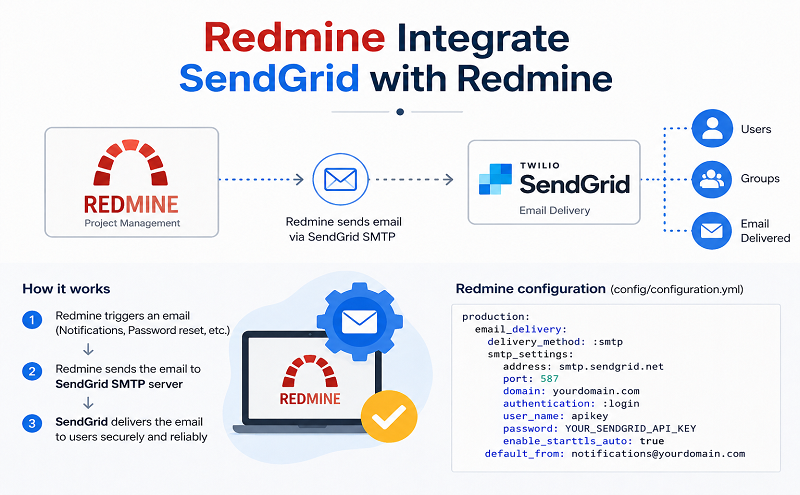
==Configure SMTP server== !!!ensure configuration files are UNIX file format!!!
cd /var/lib/redmine/config cp configuration.yml.example configuration.yml vi configuration.yml
!!!If you got 501 error, use the default and changed the delivery_method to sendmail
# default configuration options for all environments default: # Outgoing emails configuration (see examples above) email_delivery: delivery_method: :sendmail smtp_settings: address: !!!Ensure database.yml and configuration.yml permission!!!
chown www-data:www-data database.yml configuration.yml
==Configure Apache2== clientX and webY is created by ISPConfig for client
ln -s /var/lib/redmine/public /var/www/clients/clientX/webY/redmine
In ISPConfig, insert this line in Website -> Options -> Apache Directives
RailsBaseURI /redmine
==Configure LDAP== In Redmine Administration Panel -> LDAP authentication Port: 389 Account: Password: Base DN: CN=Users,DC= On-the-fly user creation: checked Attributes (for Active Directory) Login: sAMAccountName First name: givenName Lastname: sn Email: mail ==Other settings== !!!If Redmine tab Information -> Plugin assets directory writable has error, change the permission for the following directory
chown -R www-data:www-data /var/lib/redmine/public/plugin_assets
Reference http://www.redmine.org/projects/redmine/wiki/HowTo_Install_Redmine_on_Debian_Squeeze_with_Postgresql_Ruby-on-Rails_and_Apache2-Passenger http://www.he1ix.org/2010/08/installing-redmine-on-debianlenny-using-mod_passenger/ http://blog.philippklaus.de/2011/05/redmine-on-debian-squeeze/